What Is an AI Exhibition Stall Designer? What It Can and Cannot Deliver
Learn what an AI exhibition stall designer can and cannot do, from concept images and AI renders to editable 3D models, revisions and fabrication handoffs.
Contents
- At a glance
- How is AI booth design different from ordinary 3D modeling?
- What inputs can guide an AI visual?
- Which outputs are easy to confuse?
- Where does Boothlane use AI?
- What should never be inferred from a convincing image?
- How can teams use AI without weakening the brief?
- A simple way to label an AI-assisted proposal
- Frequently asked questions
- Does AI booth design replace exhibition designers?
- Is every AI stall designer an image generator?
- Can AI decide the correct stall dimensions?
- What should a client approve first?
- Turn visual ideas into a controlled design
An AI exhibition stall designer is software that uses artificial intelligence for part of a booth-design or visualisation process. Depending on the product, it may generate concepts, interpret a sketch or enhance a render. The label does not guarantee an editable 3D model, accurate dimensions, technical drawings or an approved fabrication package.
That definition matters because “design” can mean an idea, a picture, a model or a complete documented solution. Before comparing tools, ask which meaning the supplier is using.
At a glance
AI assistance describes a process, not a guaranteed deliverable. A generated picture may contain no editable geometry. Some products also support model exchange.
Ask what stays fixed, what can be edited and which responsibilities remain with the designer and fabricator.
Retain the unmodified input beside each generated result.
How is AI booth design different from ordinary 3D modeling?
In a conventional editable model, the designer places or creates objects and controls their dimensions and relationships.
In an image-generation workflow, the software produces a visual response to an input. The result may look three-dimensional without containing the editable objects needed to change the physical design.
Some products combine these approaches.
ExpoBooth, for example, advertises concept generation and also describes CAD import/export. The presence of AI therefore should not be used to assume that a tool is image-only.
Equally, a 3D-looking image should not be used to assume that a tool provides a model.
ExpoBooth.ai CAD import and export announcement
The question to ask is simple:
Can I change this specific object, keep the rest of the booth consistent and deliver the updated geometry?
A demonstration answers that more reliably than a category label.
What inputs can guide an AI visual?
Useful inputs can include:
- A written brief
- Reference images
- A sketch
- Brand assets
- A view of an existing model
Each input answers a different question.
The brief explains purpose. A brand guide explains identity. The model describes a particular arrangement of objects.
SketchUp documents an AI rendering process that combines a viewport with a prompt or preset. This provides a concrete example of model-informed image creation, rather than evidence that a sentence alone creates a complete technical design.
SketchUp AI Render documentation
A good brief still needs the real space, required functions and constraints.
AI does not remove the need to decide whether the booth prioritises demonstrations, meetings, samples or product display. Those choices belong to the exhibitor and designer.
Which outputs are easy to confuse?
A concept image communicates visual direction.
A render communicates a view of a design.
An editable model contains spatial objects that can be worked on in a compatible application.
A working drawing communicates measured and annotated information for a specific purpose.
A video adds motion, but not necessarily more technical certainty.
A camera orbit can show an exterior from several angles. An interactive walkthrough can let the viewer choose a route.
Confirm which one is being delivered rather than accepting “360” as a complete specification.
The distinction between models and their presentation is also reflected in technical delivery formats. Khronos defines glTF for the transmission and loading of 3D assets.
A JPEG image and a 3D asset are not interchangeable deliverables, even when they depict the same booth.
Khronos glTF specification overview
Where does Boothlane use AI?
Boothlane by EaseMyExpo is a browser-based 3D stall design platform.
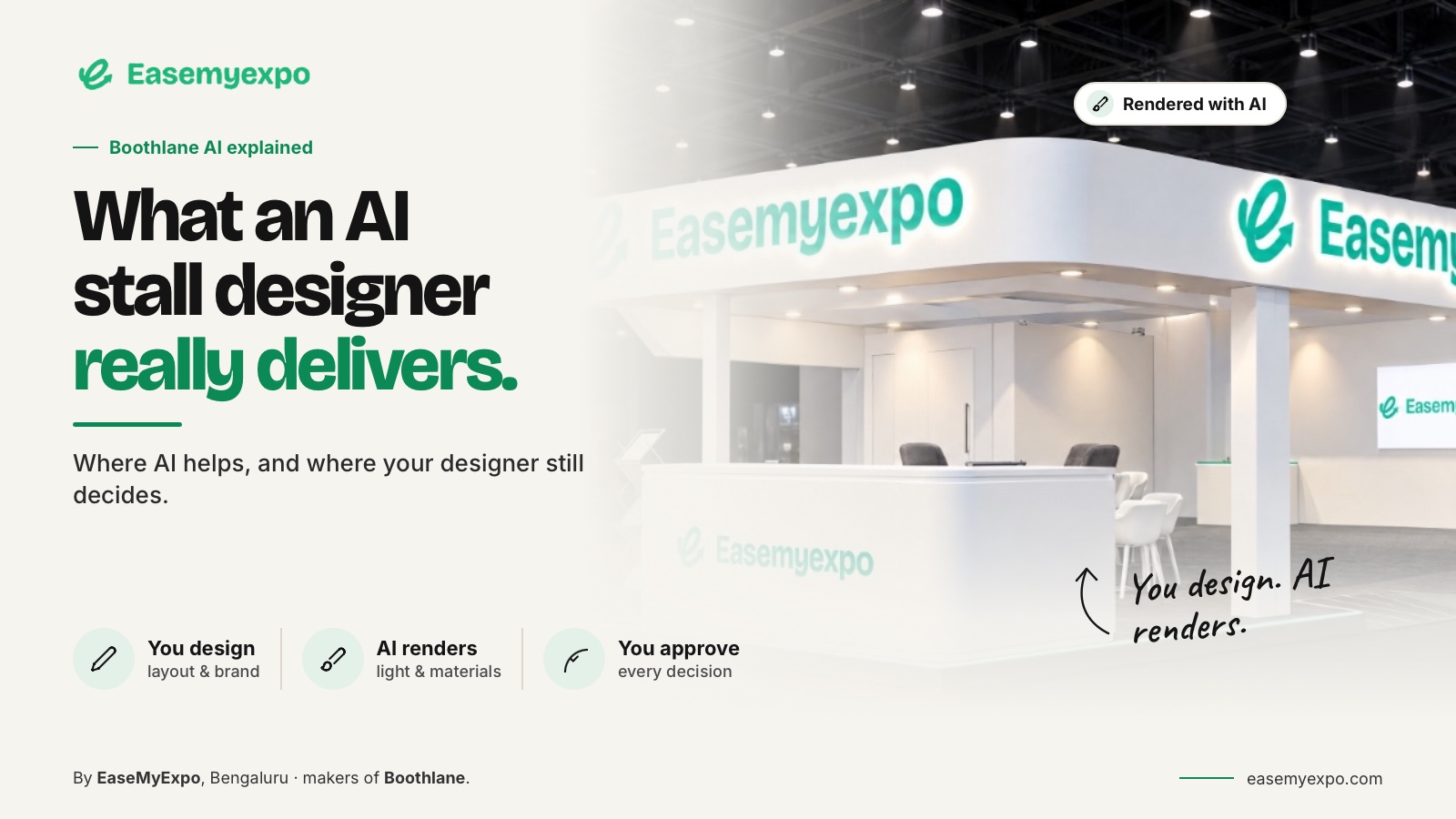
Users arrange the booth, customise the fascia and branding, and decide how the space works. AI is used for high-quality rendering.
This distinction keeps the designer's role clear.
The platform is not presented as an autonomous substitute for creativity or an automatic authority on how a structure should be built.
An attractive render helps communicate the design. It does not sign off that design for production.
For example, a designer can move a counter to improve an entrance and then create a new presentation view.
The design decision is the relocation of the counter. The rendering stage is how that decision is shown.
What should never be inferred from a convincing image?
Do not infer:
- Structural capacity
- Exact materials
- A valid hanging arrangement
- Organiser approval
- Engineering suitability
- Final lighting performance
- Confirmed fabrication details
A visual can show an overhead feature without proving how it is supported.
It can also imply lighting, finishes or display capacities that need separate specification.
Event-specific requirements vary.
GES's published regulations for one event, for example, distinguish booth types and include different conditions by hall. That is a useful reminder to work from the actual show's manual rather than a generic image or a borrowed height limit.
GES booth regulations and definitions
Use AI visuals as part of a review process.
Compare the result against the brief, approved geometry and brand artwork. Then ask the appropriate specialists to resolve anything that affects fabrication or installation.
How can teams use AI without weakening the brief?
Keep a small record of what is fixed and what is exploratory.
Fixed information might include:
- Booked footprint
- Essential products
- Approved brand assets
- Required zones
- Confirmed dimensions
Exploratory information might include:
- Colour balance
- Decorative treatment
- Early fascia direction
- Lighting mood
- Illustrative finishes
When a generated idea changes a fixed requirement, treat that as a proposed change rather than quietly accepting it.
This prevents the team from presenting an appealing but different project.
It also makes feedback more useful because the client can distinguish a design decision from a rendering interpretation.
Save the chosen visual with the matching design revision.
If the model changes later, review the presentation again before reuse.
A disciplined relationship between idea, model and image is more valuable than a folder full of unrelated outputs.
A simple way to label an AI-assisted proposal
Use three labels in a presentation:
- Fixed requirement: Information already established, such as the booked footprint.
- Proposed design: A design decision that still requires approval, such as a new fascia shape.
- Illustrative treatment: Visual elements such as reflections, background visitors or suggested finishes that may not represent specified build details.
For a hypothetical product launch, suppose the image adds a glowing display plinth.
Ask whether the team wants that object in the actual design.
If yes, add it to the editable model and costing discussion.
If no, remove it from the presentation.
Keeping those labels visible helps a reviewer approve the actual proposal instead of unintentionally approving details invented during visualisation.
Frequently asked questions
Does AI booth design replace exhibition designers?
It does not remove the need for design judgment, spatial planning and project coordination. Decide which tasks to assist and which decisions require human responsibility.
Is every AI stall designer an image generator?
No. Some vendors advertise additional modelling or exchange capabilities. Verify the exact product and deliverables instead of generalising from the word AI.
Can AI decide the correct stall dimensions?
The booked dimensions must come from the exhibition agreement and plan. Use them as requirements, not as a suggestion for the software to invent.
What should a client approve first?
Approve the purpose and layout before polishing the visual treatment. Keep technical approval separate from agreement on appearance.
Turn visual ideas into a controlled design
Explore Boothlane to create an editable stall and use high-quality rendering to communicate the choices you make.