Best AI Booth Design Tools for Trade Shows (2026)
Type "design a 6 × 3 m tech booth with a blue fascia" into an AI image generator and you will get something that looks impressive in seconds. Then try to build it, and the problems start: the stand is the wrong size, the counter floats, and there is nothing your fabricator can open.
This guide explains what AI can really do for booth design today, and how to pick a tool that gives you something buildable.
Disclosure: we make Boothlane by EaseMyExpo, which includes AI design features.
Two kinds of AI booth design
1. AI image generators
General image tools turn a text prompt into a picture of a booth.
- Good for: mood boards, early ideas, showing a style to your team.
- Not good for: anything that has to be built. The image has no real dimensions, no editable parts and no file a fabricator can use.
2. AI that builds an editable 3D stand
Booth-specific tools take your brief or a reference image and produce a 3D model you can edit, at your real stall size.
- Good for: going from idea to an approved, correctly sized design quickly.
- What to check: can you resize it, recolour it, change the branding, and export renders or a file for your builder?
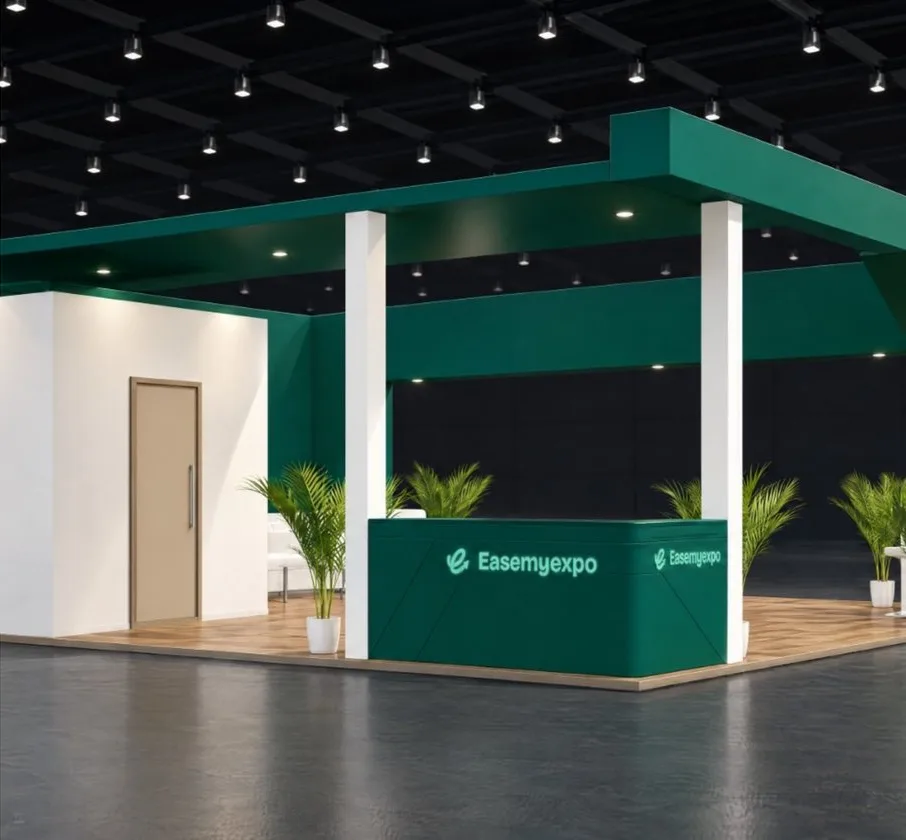
What to look for in an AI booth designer
- Editable output, not just a picture. If you cannot move the counter, you cannot use it.
- Real dimensions. The stall size from the organiser should be respected.
- Image input. Often the fastest brief is a photo of a stand you liked.
- Branding control. Logos, fascia text and brand colours.
- Export. Renders and video for approval, and OBJ or FBX for your designer or fabricator.
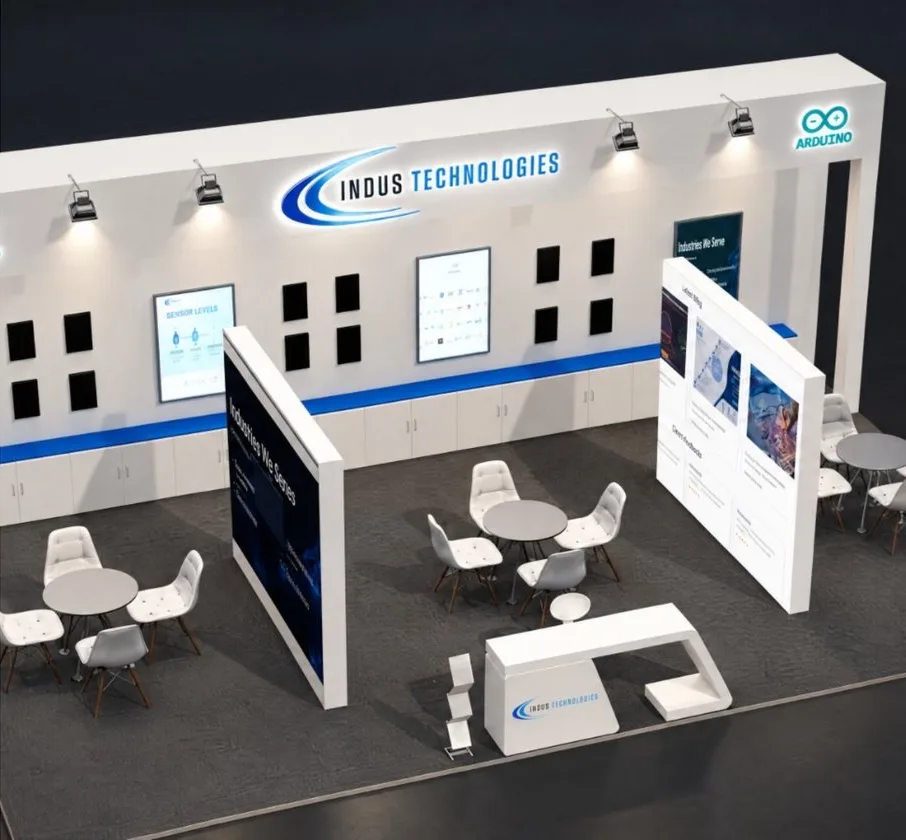
Boothlane by EaseMyExpo: AI that ends in an editable 3D stall
Boothlane by EaseMyExpo includes two AI starting points:
- Image-to-3D: upload a photo of a stand you like. Boothlane by EaseMyExpo builds an editable 3D version.
- Prompt-to-3D: describe the stand in words and get a 3D starting point.
Either way, the result opens in the Boothlane by EaseMyExpo editor, where you can resize it to your stall, recolour it, add your fascia and branding, then export high-resolution renders, a cinematic video, or OBJ and FBX files.
Honest limits: AI gets you a strong first draft, not a finished stand. Expect to adjust sizes and branding, and complex curved structures still need a designer's touch. Engineering and fabrication stay with your fabricator.
A good AI booth design workflow
- Collect two or three reference stands you like, from past shows or a quick image search.
- Generate a starting design from your best reference image, or from a written brief.
- Set the real stall size and open sides.
- Edit: move the counter, adjust the storage room, add your logo and graphics.
- Render the aisle view and corner view for approval.
- Share with your fabricator as renders plus an OBJ or FBX file.
FAQ
Can AI design a trade show booth?
AI can produce a strong first draft quickly. The best results come from tools that turn that draft into an editable 3D model at your real stall size, which you then refine.
Is an AI-generated booth image enough to build from?
No. An image has no real dimensions or editable parts. Your fabricator needs a correctly sized design, ideally a 3D file plus renders.
What is the best AI tool for exhibition stand design?
Pick a tool that gives you an editable 3D stand, not just a picture. Boothlane by EaseMyExpo turns an image or a written brief into an editable 3D stall in the browser.
Try it: Turn a photo into a 3D stall on Boothlane by EaseMyExpo.