Best 3D Booth Design Tools to Visualise Your Trade Show Stand (2026)
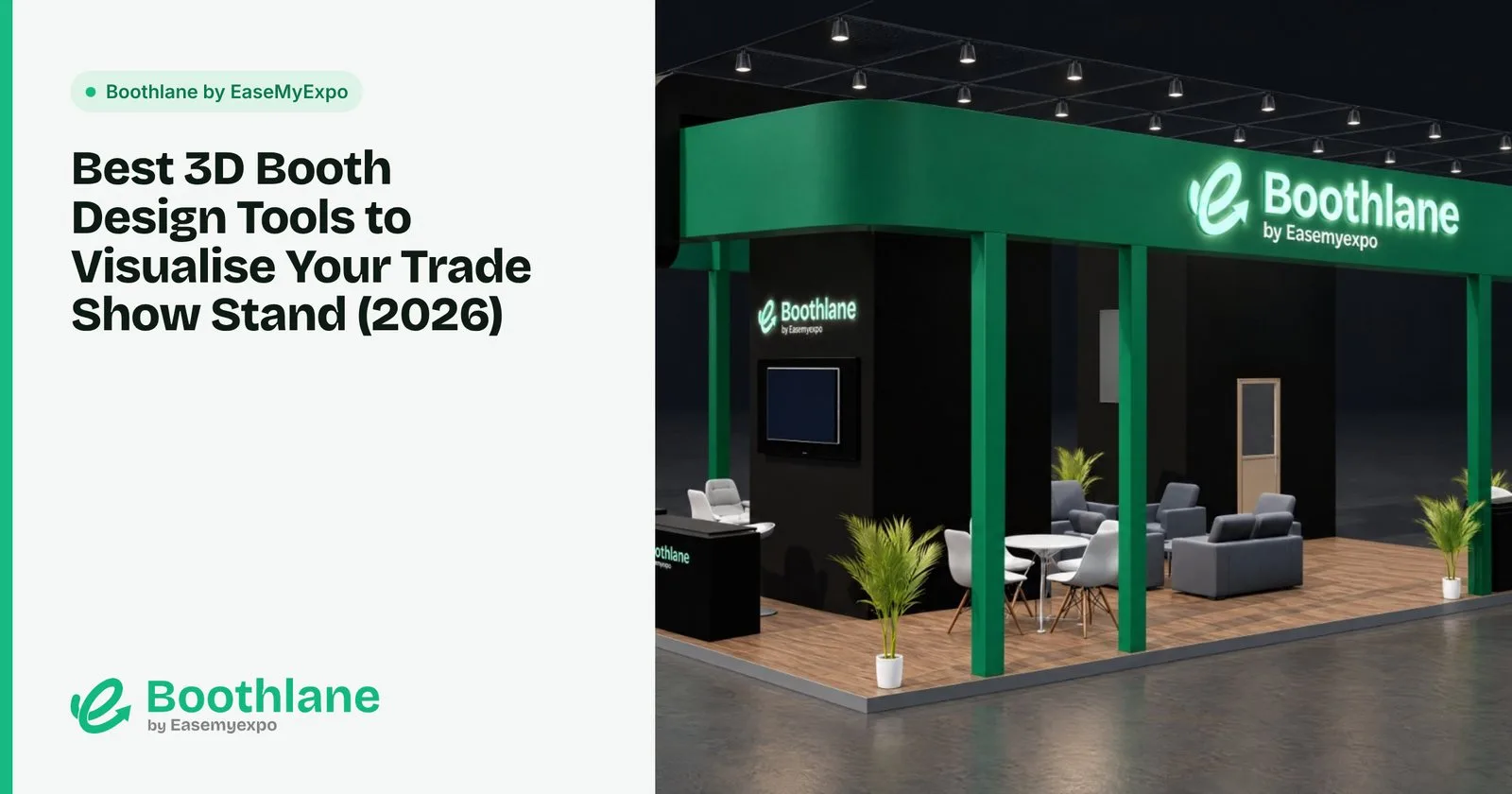
A floor plan tells you where things go. A 3D view tells you whether the stand will actually work: if the logo is visible from the aisle, if the counter blocks the entrance, if the stand looks premium or empty.
Here are the best tools for seeing your booth in 3D before anyone builds it.
Disclosure: we make Boothlane by EaseMyExpo, one of the tools below.
Online vs desktop 3D booth design
Online (browser) booth designers open in Chrome or Safari with nothing to install. They are faster to learn and easier to share, and usually come with booth-specific elements already built in.
Desktop 3D software (3ds Max, SketchUp, Blender) can model anything but needs a capable computer, time to learn, and booth elements built from scratch.
If you are not a trained 3D designer, start online.
The best 3D booth design tools
1. Boothlane by EaseMyExpo: best online booth designer
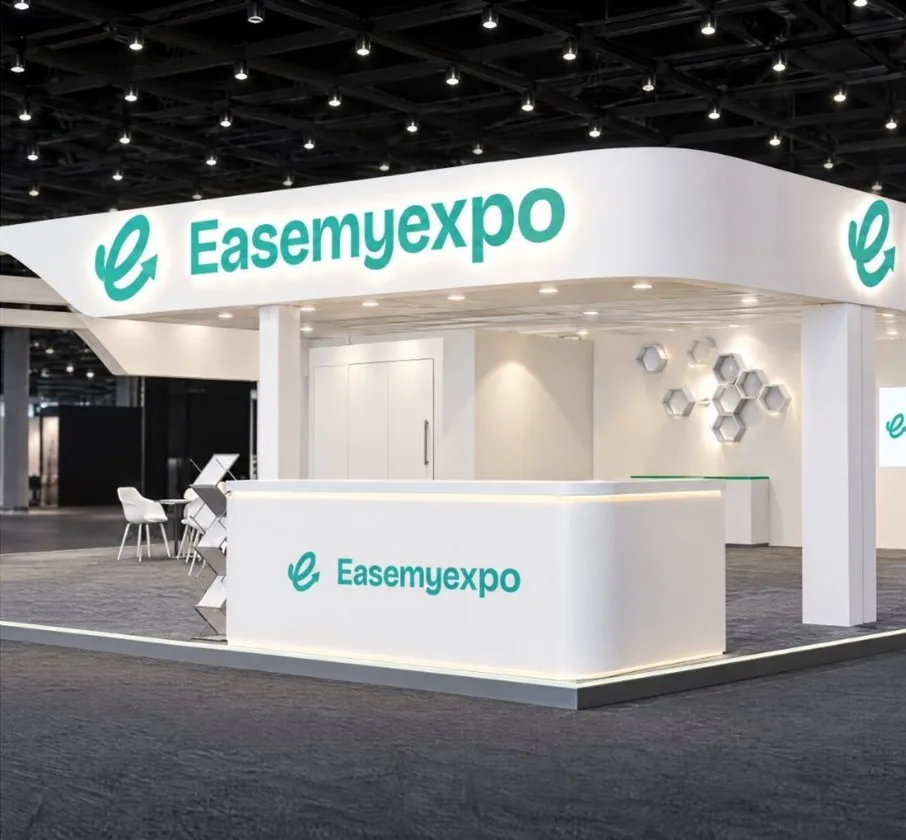
Boothlane by EaseMyExpo runs entirely in the browser and is built for exhibition stalls.
- Set the stall size and open sides, then build in 3D.
- Image-to-3D: upload a reference photo of a stand you like and get an editable 3D version.
- Prompt-to-3D: describe the stand in words and get a 3D starting point.
- Resize and recolour anything, and add your fascia, branding and lighting.
- Export high-resolution renders and a cinematic video.
- AR preview from a phone browser.
- Import and export OBJ and FBX to move between Boothlane by EaseMyExpo and 3ds Max or other tools.
Best for: exhibitors, marketing teams, agencies and freelancers.
2. SketchUp: best for simple 3D massing
SketchUp's push-pull modelling makes it quick to rough out walls, platforms and counters. A free web version covers basic use. For realistic renders you will need a rendering plugin.
Best for: designers who want a fast, flexible 3D sketch.
3. 3ds Max: best for photoreal visuals
With V-Ray or Corona, 3ds Max produces the photorealistic renders you see in high-end stand proposals.
Best for: professional designers who need full control over every surface and light.
4. Blender: best free desktop option
Blender's Cycles renderer produces excellent visuals at no licence cost.
Best for: designers willing to invest time in learning.
What makes a good 3D booth visual
Whatever tool you use, a 3D visual that gets approved quickly usually has:
- Correct scale. Use real dimensions and include people for reference.
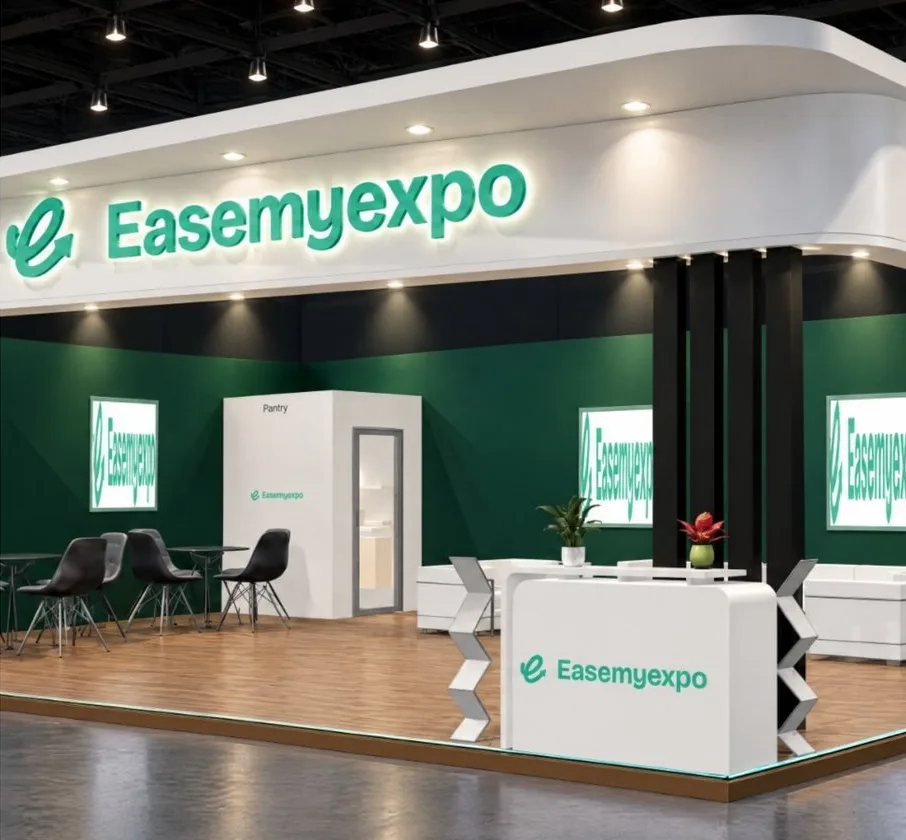
- The aisle view. Show the stand the way a visitor sees it walking past, not only from above.
- Readable branding. The fascia and main graphic should be legible in the render.
- Honest lighting. Show the lights you will actually rent, not studio lighting that will not exist on the show floor.
- Several angles. Front, corner, and a top view for the layout.
FAQ
Can I see my trade show booth in 3D before building it?
Yes. Booth design tools let you build the stand in 3D at its real size, view it from any angle and render images or a video. Boothlane by EaseMyExpo also offers an AR preview from your phone.
What is the easiest 3D stall design software?
A browser-based tool built for exhibitions, such as Boothlane by EaseMyExpo, is the easiest because walls, fascia, counters and lighting are ready to use.
Do I need a powerful computer for 3D booth design?
Not for browser tools. Desktop suites like 3ds Max and Blender need a capable computer and graphics card, especially for rendering.