Best Exhibition Stall Design Software in 2026
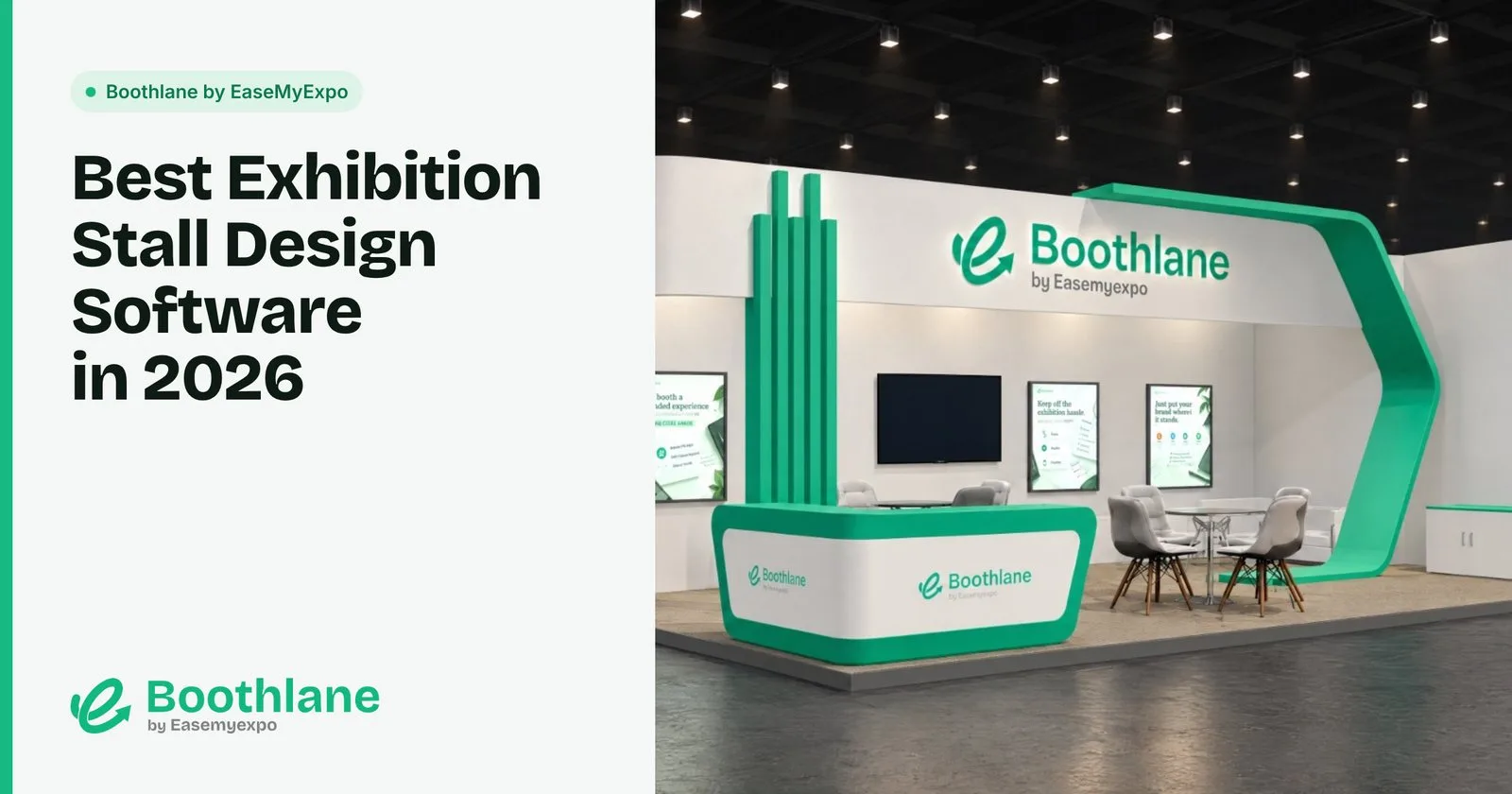
Designing an exhibition stall used to mean one of two things: hire a designer, or learn a 3D program built for architects and film studios. In 2026 there is a third option, booth design software made for exhibitors, agencies and fabricators who need a stand that looks right and can actually be built.
This guide compares the main options, what each is good at, and who should use which.
Disclosure: we make Boothlane by EaseMyExpo, which is on this list. Our team comes from exhibition stall fabrication, so we have used most of these tools on real stands.
What to look for in booth design software
Before comparing tools, decide what you need the software to do:
- Speed to a first design. Can you get from a stall size to a presentable 3D stand in minutes, or does it take days?
- Real dimensions. A stand is built to the millimetre. The tool must work in real units and respect the stall size the organiser gave you.
- Branding. Fascia, graphics, logos and brand colours are what the visitor actually sees.
- Renders and visuals. Clients and bosses approve images, not wireframes.
- Hand-off to the builder. Can the design leave the tool in a format your fabricator can open (OBJ, FBX, DWG)?
- Learning curve. Who will use it: a trained designer, or a marketing manager who has never opened a 3D program?
- Cost. One-off designs, an annual licence, or pay-as-you-go?
The best exhibition stall design software
1. Boothlane by EaseMyExpo: best for exhibitors and agencies who want speed
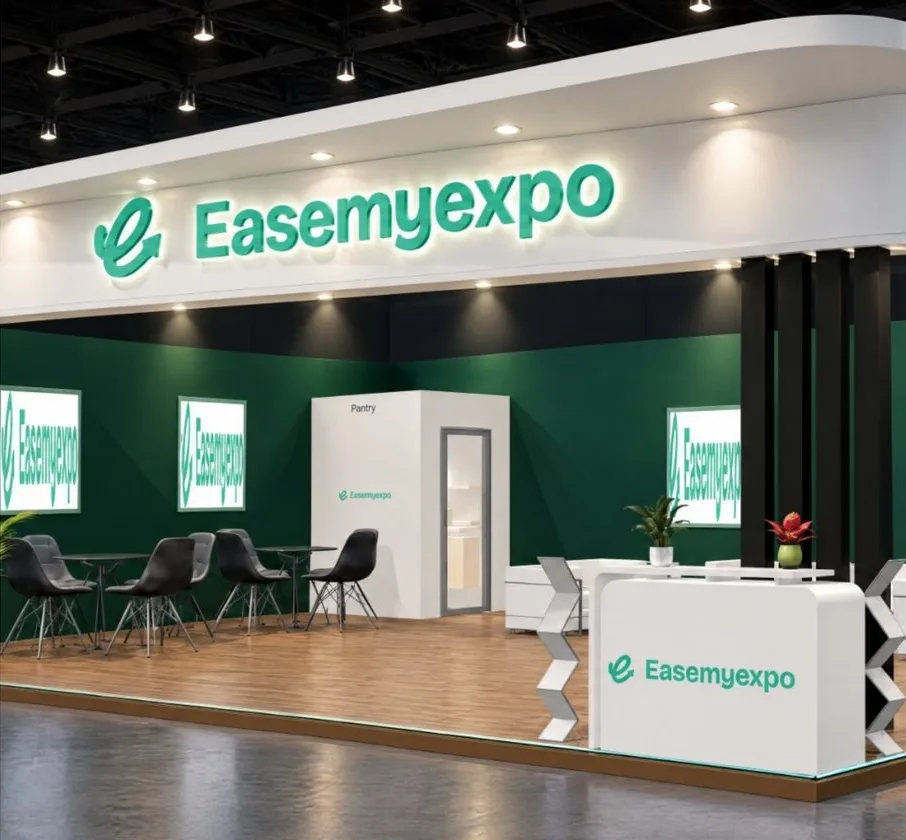
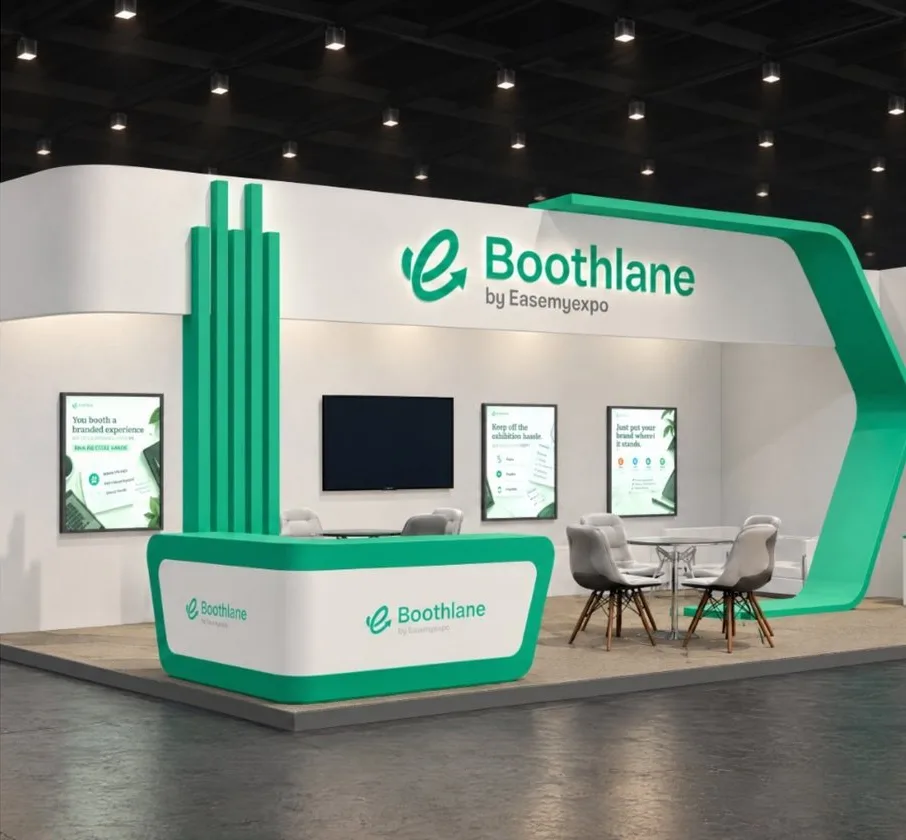
Boothlane by EaseMyExpo is a browser-based 3D stall design tool. There is nothing to download. You set your stall size, build the stand, add branding and lighting, and export renders or a video.
What stands out:
- Image-to-3D and prompt-to-3D. Upload a reference photo or type a brief, and Boothlane by EaseMyExpo builds an editable 3D stall you can resize and recolour.
- Custom fascia in 2D or 3D, plus branding and lighting controls.
- OBJ and FBX import and export, so files can move to and from 3ds Max and other traditional stall-building software.
- High-resolution renders and cinematic video for client approval.
- AR preview from a phone browser.
- Events too: 140+ ready event setups and a library to build your own.
Best for: exhibitors, brand teams, agencies and freelancers who need good-looking, correctly sized stall designs quickly, without learning a professional 3D suite.
Limits: Boothlane by EaseMyExpo handles design and visualisation. Engineering and fabrication stay with your fabricator. Complex curved structures are better finished in a full 3D modelling tool.
Pricing: credit-based, with free trial credits to start.
2. Autodesk 3ds Max: best for professional stand designers
3ds Max, usually paired with a renderer such as V-Ray or Corona, is the standard tool in many exhibition design studios. It can model anything and produce photorealistic renders.
Best for: full-time stand designers and studios producing high-end custom stands.
Limits: a steep learning curve, a paid subscription, and a powerful Windows PC. It is overkill for an exhibitor who needs one stall a year.
3. SketchUp: best for quick massing and simple stands
SketchUp is popular for its push-pull modelling and huge library of free models. A free web version exists for basic use.
Best for: designers and fabricators who want to block out a stand fast.
Limits: good renders need extra plugins, and building a polished, branded stand still takes modelling skill.
4. AutoCAD: best for working drawings
AutoCAD is where many fabricators produce plans, elevations and joinery details.
Best for: technical drawings that a workshop builds from.
Limits: it is a drafting tool, not a visualisation tool. Clients will not approve a stand from AutoCAD drawings alone.
5. Vectorworks: best for event and venue designers
Vectorworks (especially the Spotlight edition) is used in entertainment and event design for venue layouts, staging and lighting plots.
Best for: event designers working across venues, stages and lighting.
Limits: professional pricing and a learning curve similar to other CAD suites.
6. Blender: best free professional-grade option
Blender is free and open source, with powerful modelling and rendering.
Best for: designers with time to learn it who want professional output without licence costs.
Limits: not built for exhibitions, so there are no stall templates, no booth-specific workflow and a steep learning curve.
Quick comparison
- Boothlane by EaseMyExpo: Runs in: Browser · Learning curve: Low · Built for booths: Yes · Best for: Exhibitors, agencies, quick designs
- 3ds Max: Runs in: Windows desktop · Learning curve: High · Built for booths: No (general 3D) · Best for: Pro stand designers
- SketchUp: Runs in: Desktop / web · Learning curve: Medium · Built for booths: No · Best for: Quick massing
- AutoCAD: Runs in: Desktop · Learning curve: High · Built for booths: No (drafting) · Best for: Working drawings
- Vectorworks: Runs in: Desktop · Learning curve: High · Built for booths: Partly (events) · Best for: Event and venue design
- Blender: Runs in: Desktop · Learning curve: High · Built for booths: No · Best for: Free pro-level 3D
How to choose
- You exhibit a few times a year and want to brief your fabricator properly: use a browser tool like Boothlane by EaseMyExpo.
- You are a stand design studio: 3ds Max or Blender for visuals, AutoCAD for drawings, and a fast browser tool for early concepts and client changes.
- You are a fabricator: see our guide to booth design software for fabricators.
FAQ
What is the best software for exhibition stall design?
It depends on who is designing. For exhibitors and agencies who want speed and no learning curve, a browser-based tool like Boothlane by EaseMyExpo is the fastest route. For professional studios, 3ds Max with V-Ray or Corona remains the standard.
Can I design a trade show booth without a designer?
Yes. Booth design tools let you set the stall size, add walls, counters, graphics and lighting, and produce renders yourself. Your fabricator still handles engineering and the build.
Which file formats should booth design software export?
At minimum, images or video for approval, plus a 3D format your fabricator can open, such as OBJ or FBX.
Try it: Design your stall on Boothlane by EaseMyExpo. Free trial credits included.