VR Exhibition Booth Design: How to Run a Useful Virtual Review
Learn how to run a useful VR exhibition booth design review, check sightlines and spatial relationships, and record client decisions before final approval.
Contents
- At a glance
- What does VR mean in this context?
- How is VR different from AR?
- Where does Boothlane fit?
- What should the session help the client decide?
- How should the experience be prepared?
- What should not be approved from VR alone?
- How should you record the outcome?
- Give absent stakeholders the same review context
- Frequently asked questions
- Does VR require a headset?
- Can a VR preview replace working drawings?
- Is a panorama the same as free movement through a booth?
- Should every client review use VR?
- Review the booth as a space, not just an image
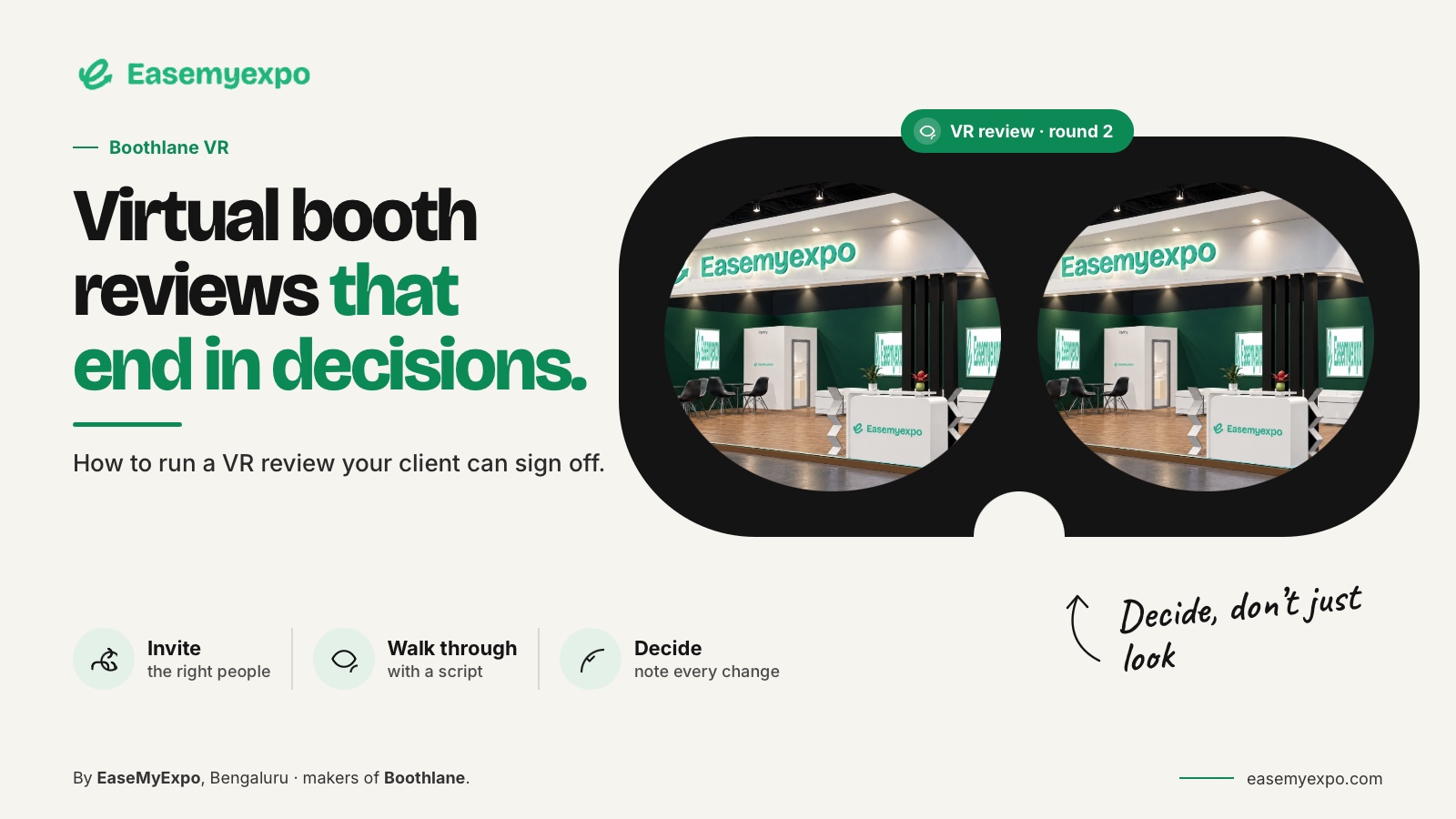
VR exhibition booth design review lets a viewer inspect a digital booth through an immersive presentation. It can help discuss sightlines, spatial relationships and the visitor journey. Define whether the experience is a panorama or a navigable scene, confirm the supported equipment and keep technical approvals separate from the visual review.
A successful session is not measured by how impressed someone is by the headset. It is measured by the useful decisions the team can make about the booth.
At a glance
Use VR to investigate a spatial question, not merely demonstrate a headset. Confirm the viewing system and model preparation first. Guide reviewers through relevant positions, record their decisions and provide a conventional alternative. Immersive viewing is not a technical approval process.
What does VR mean in this context?
VR presents a digital environment through an appropriate immersive viewing system. The experience may let the person look around from a fixed position, move between prepared viewpoints or navigate within a scene. Those are different levels of interaction.
Epic's Twinmotion documentation describes distinct VR access routes for panorama sets and local or editor presentations. This is a practical example of why the exact viewing mode and equipment need to be specified.
Twinmotion VR viewing documentation
Do not describe a normal rotation video as fully navigable VR. Use the output's actual capabilities to brief the client.
How is VR different from AR?
AR places digital content into a view of the real environment; VR focuses the viewer on the digital scene. A phone-based AR demonstration may be easier for an informal discussion, while a prepared VR session can be useful when an immersive view answers a particular spatial question.
Apple documents AR Quick Look for displaying objects in real-world surroundings. That helps distinguish a real-world overlay from a headset-based virtual scene, without implying that the same device or file path powers every platform.
Choose the format around the review goal rather than using the more elaborate option by default.
Where does Boothlane fit?
Boothlane’s launch briefing includes AR and VR presentation options alongside editable stall design; confirm current VR availability before a client demonstration. Design decisions remain under user control; AI is used for high-quality rendering.
For a VR meeting, confirm the supported device, browser or headset route in the current release. This guide does not promise a particular headset list, stereoscopic output or unrestricted navigation mode for Boothlane.
Prepare the same approved stall revision that is used in the plan and other presentation materials. The immersive version should support the project record, not become a separate design with unexplained differences.
What should the session help the client decide?
Select a small number of questions:
- Can the main display be recognised from the intended arrival point?
- Does the branding remain visible from the meeting area?
- Is the relationship between the reception and demonstration zones understandable?
- Are important products or displays easy to notice?
- Does the visitor journey through the stall feel clear?
For an illustrative review, compare two locations for a tall display while keeping the rest of the design unchanged. Ask the viewer to describe what becomes visible or hidden. Record that feedback as a design observation to check, not as a measured crowd-flow result.
Avoid attempting to approve every detail during one session. Artwork, exact measurements and material specifications may be clearer in other formats.
How should the experience be prepared?
Test the exact device and presentation before the meeting. Verify access, loading, scale and navigation. Ensure there is a safe space for the viewer and provide a seated or screen-based alternative where appropriate.
Keep the route simple. Begin at a meaningful viewpoint and explain how to move or look around before asking design questions. Stop the session if the viewer is uncomfortable and continue with ordinary images or a 3D screen view.
These are practical meeting recommendations, not a substitute for the hardware manufacturer's instructions. Follow the current setup guidance for the equipment in use.
What should not be approved from VR alone?
Do not use the experience as evidence of structural adequacy, exact site fit or event-rule compliance. It can reveal questions, but important measurements and technical decisions need the relevant documents and responsible review.
Do not assume the apparent lighting or material response will match the final venue. A virtual scene communicates an intended atmosphere under its own settings. Physical samples and the actual build specification remain important.
This boundary is also visible in professional software positioning: Vectorworks Spotlight describes immersive presentations alongside drawing and documentation capabilities, rather than treating the immersive view as the whole technical package.
How should you record the outcome?
Use a short decision log tied to the design revision. Record:
- The question being reviewed
- The client's feedback
- The agreed decision
- Any follow-up checks required
- The relevant design revision
- A supporting screenshot or plan reference
If the client requests a layout revision, update the underlying model and then refresh the presentation. Do not let an older immersive scene remain in circulation as the final booth.
A useful VR session ends with clarity about what was agreed and what still requires work. That is more valuable than a long demonstration with no recorded decision.
Give absent stakeholders the same review context
Not every decision-maker will attend the headset session. Prepare a small companion pack showing the starting viewpoint, the questions asked and the specific objects being compared. A stakeholder reading the notes later should understand the choice without needing the headset or relying on someone's memory of the scene.
For a hypothetical product demonstration, compare two screen locations from the same entrance position. Include both corresponding stills and note which screen the client preferred.
Keep comments about navigation controls separate from comments about the booth itself. An unfamiliar controller is not evidence that the layout is difficult to use.
Assign follow-up checks to the right person. The brand lead may confirm visibility, while a designer checks the measured arrangement and a specialist reviews technical implications.
Send the accepted changes back into the main project record. That makes the immersive session part of the shared design process rather than a private demonstration with an undocumented outcome.
Offer a seated or screen-based alternative whenever the planned headset session is uncomfortable for someone.
Frequently asked questions
Does VR require a headset?
An immersive VR experience generally uses suitable headset equipment. Ordinary screen-based 3D viewing is a different presentation mode, even when it shows the same model.
Can a VR preview replace working drawings?
No. It helps communicate spatial experience. Working drawings communicate measured and annotated information for defined technical tasks.
Is a panorama the same as free movement through a booth?
No. A panorama can allow looking around from a position; navigation depends on the specific presentation system. Confirm the actual interaction before the session.
Should every client review use VR?
No. Use it when it answers a useful question and the client can access it comfortably. A plan, render or browser view may be enough for many decisions.
Review the booth as a space, not just an image
Explore Boothlane's presentation options and choose the format that helps your team understand and approve the design.