The Future of Exhibition Stall Design: Editable 3D, AI Rendering and Better Handoffs
Explore the future of exhibition stall design with editable 3D, AI-assisted rendering, AR/VR previews and better handoffs between design and fabrication teams.
Contents
- At a glance
- What is already changing?
- Why does editable 3D remain important?
- Where does AI rendering fit?
- Does working in a browser change the handoff?
- What role will AR and VR play?
- Why might interoperability matter more than a feature count?
- What should not disappear as tools improve?
- How should an agency prepare?
- Frequently asked questions
- Will AI replace exhibition stall designers?
- Will browser-based tools replace all desktop 3D software?
- Are AR and VR essential for every exhibition design?
- What is the most useful feature to evaluate next?
- Explore a workflow that keeps the design editable
The useful direction for exhibition stall design is not simply more AI-generated images. It is a better connection between the editable design, the way clients review it and the information passed to the next team.
Browser modelling, AI-assisted rendering and immersive presentation address different parts of that process. None removes the need for a sound brief or responsible technical decisions.
This article distinguishes capabilities documented in September 2026 from our interpretation of their practical significance. It does not predict that one application will replace the profession or become the universal industry standard.
At a glance
Editable browser models, AI-assisted rendering and immersive previews already exist, but their usefulness depends on connected workflows.
Better presentation does not remove professional design or construction responsibilities.
What is already changing?
The software landscape includes specialist booth tools, general-purpose modelers and dedicated visualisation applications.
Their boundaries increasingly overlap, so the label on a product category is less useful than a description of its actual inputs and outputs.
For example, Arcadium markets browser-based booth modelling and model exports. ExpoBooth describes AI-led booth workflows alongside CAD-related capabilities.
These are vendor descriptions, not results from a comparative performance test conducted for this article.
Arcadium trade show booth design
ExpoBooth.ai CAD import and export announcement
The practical question is whether a team can keep developing the chosen design after the first presentation, rather than whether its first image looks impressive.
Why does editable 3D remain important?
Exhibition design involves repeated changes to space, products and brand requirements.
An editable model lets a designer work on those relationships directly. A revised arrangement can then inform the next visual or downstream asset.
A picture still has a useful role. It can:
- Explore mood
- Communicate a proposal
- Help a stakeholder understand the intended effect
- Support comparison between design directions
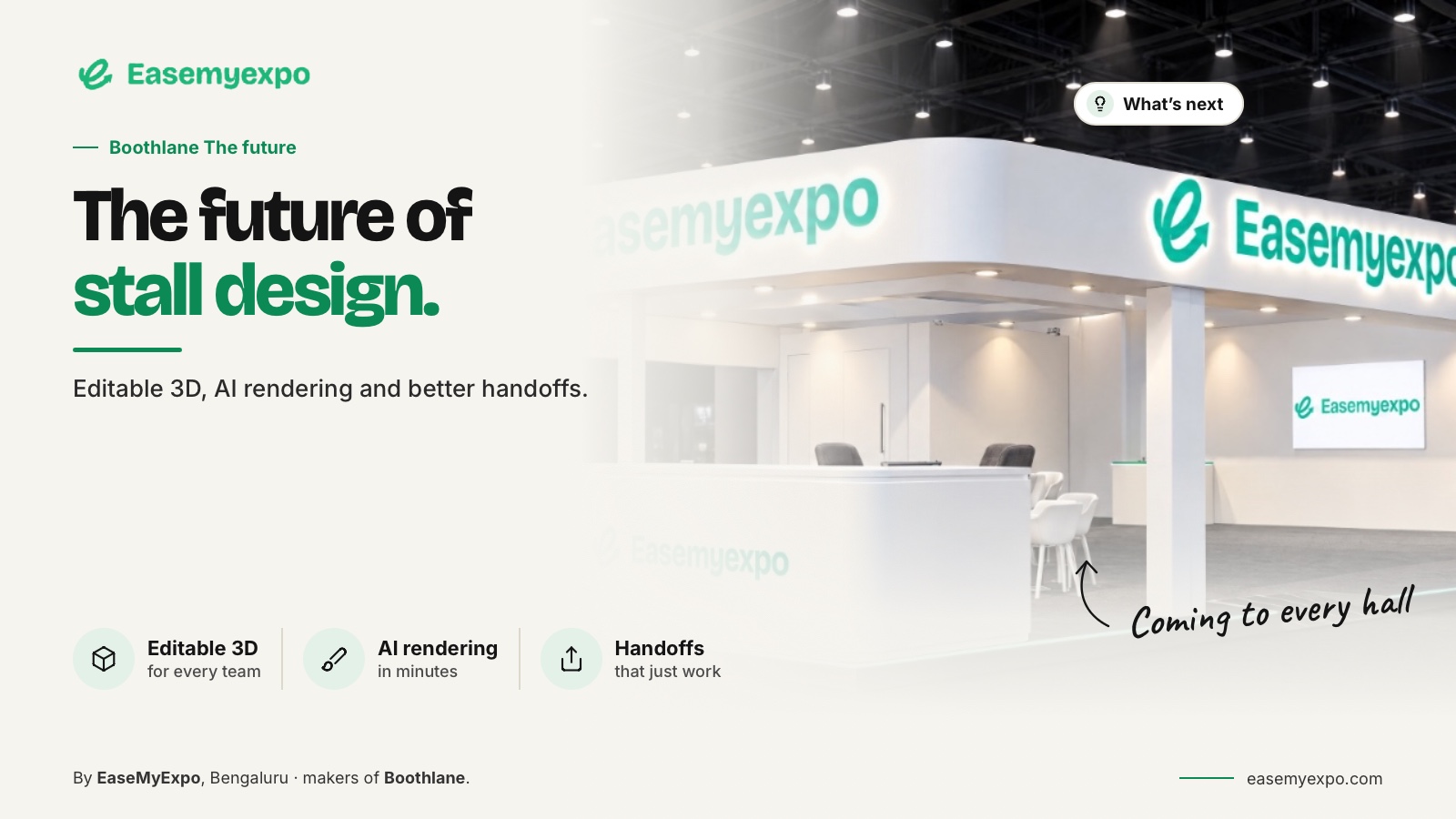
For Boothlane, the positioning should remain precise: designers create and customise stalls in a browser, with AI used for high-quality rendering.
The design workspace is not being presented as an autonomous replacement for the designer.
Where does AI rendering fit?
AI-assisted visualisation is a documented feature in more than one product family.
SketchUp's AI Render documentation describes an image workflow using the model view and prompt or preset inputs. That is a useful example of AI attached to a modelling process, rather than a reason to conflate rendered imagery with editable geometry.
SketchUp AI Render documentation
Our interpretation is that teams gain more from treating AI output as a reviewable presentation layer than from accepting every generated detail as a design decision.
Check:
- Dimensions
- Object relationships
- Artwork
- Product placement
- Branding
- Elements the client is actually being asked to approve
This keeps experimentation useful without silently changing the specification.
It also preserves a clear distinction between the designer's model and the visual system's interpretation of that model.
Does working in a browser change the handoff?
Browser access can make an application easier to reach, but it does not automatically solve file compatibility or collaboration.
The important questions remain practical:
- What is stored?
- What can be edited?
- What can be shared?
- What can leave the system?
- What does the receiving team actually need?
Boothlane's specified exchange formats are OBJ and FBX.
A receiving team should test them against its own requirements instead of assuming that an exported file preserves every feature of the original workspace.
The broader implication is a workflow with planned transitions, not necessarily a single application that performs every job.
A concept can be developed in one environment and refined or documented in another when the transfer has been validated.
What role will AR and VR play?
AR and VR are different presentation options, not interchangeable labels for viewing a stall from several angles.
AR combines a digital representation with a view of a physical setting.
A VR review uses an immersive virtual viewing environment, with the experience depending on the application and equipment.
Google documents Scene Viewer for 3D and AR viewing on supported Android environments. Epic documents several VR viewing routes in Twinmotion.
These references explain the underlying categories; they do not establish compatibility for every Boothlane device or account.
Google Scene Viewer documentation
Twinmotion VR viewing documentation
The useful question is what the review needs to establish.
A simple plan may resolve a dimension more clearly than a headset session. An immersive view may help a stakeholder understand an experience that is difficult to explain in a single image.
Why might interoperability matter more than a feature count?
A long feature list can conceal a difficult transition between teams.
The designer may produce an appealing scene, while the next person receives an asset that needs extensive cleanup.
Assess a workflow with a representative project.
Test:
- File transfer
- Scale
- Materials
- Object organisation
- Texture references
- Editing in the receiving application
- Any required cleanup
Record repairs as part of the process, not as an unexpected problem outside the software evaluation.
A format name is only the start of that assessment.
The goal is a dependable exchange of useful information, not a decorative export button in a comparison table.
What should not disappear as tools improve?
The brief, client judgement and technical responsibility remain important.
So does the ability to explain why a layout suits a product or visitor journey.
Documentation is a separate concern from presentation. A workflow that reaches an approved visual quickly can still require detailed work before fabrication.
Novel tools do not eliminate the organiser's requirements or the need to communicate clearly with the people building the stall.
Claims that all designers, CAD tools or fabricators will become unnecessary go beyond the evidence considered here.
A more useful question is which repetitive steps can be reduced without weakening control.
How should an agency prepare?
Build a small, dependable test library and a repeatable brief.
Define the outputs expected at:
- Layout approval
- Visual approval
- Client review
- Technical handoff
- Fabrication handoff
Evaluate new tools against that process rather than adjusting the process to every new marketing claim.
Track your own results.
Record:
- Active design time
- Rework
- Transfer issues
- Client feedback quality
- Approval delays
- Asset preparation problems
This creates a basis for decisions without relying on an unverified percentage saving.
Our suggested direction is selective adoption: retain the specialist strengths the team needs while improving the transitions that repeatedly create avoidable work.
Frequently asked questions
Will AI replace exhibition stall designers?
The sources reviewed do not establish that conclusion. AI rendering and concept tools address particular tasks; the wider project still requires design decisions, coordination and technical judgement.
Will browser-based tools replace all desktop 3D software?
That is not established. Evaluate which tasks a browser tool handles well and where the team still needs its existing applications.
Are AR and VR essential for every exhibition design?
No. Choose a review format that helps answer the client's question and works on the equipment available to them.
What is the most useful feature to evaluate next?
Test the weakest step in your current process. For one team that may be presentation; for another, model exchange, asset preparation or approval control.
Explore a workflow that keeps the design editable
Visit EaseMyExpo to explore browser-based stall design, high-quality AI-assisted rendering and presentation options as parts of a connected workflow.