How to Export an Exhibition Stall Design for a 3ds Max Workflow
Learn how to export an exhibition stall design for a 3ds Max workflow using OBJ or FBX, verify scale and materials, and prepare a clean handoff.
Contents
- How to Export an Exhibition Stall Design for a 3ds Max Workflow
- At a glance
- What should be agreed before export?
- What does Boothlane export?
- How should the model be prepared?
- What should the receiving designer check first?
- What happens to materials and lighting?
- What should the export package include?
- How should changes be managed after export?
- What does the export not prove?
- Include a short import note with the model
- Frequently asked questions
- Does “3ds Max compatible” mean native .max support?
- Which should I choose, OBJ or FBX?
- Can I promise identical renders after export?
- When is the handoff complete?
- Keep the booth moving through your workflow
How to Export an Exhibition Stall Design for a 3ds Max Workflow
To export an exhibition stall for a 3ds Max workflow, agree the interchange format with the receiving designer, export the intended revision and check it in the target application. EaseMyExpo documents OBJ and FBX exchange. That is not the same as native .max support or a guarantee that every material, modifier and renderer setting transfers unchanged.
The handoff is successful when the recipient can continue the work, not simply when a file downloads.
At a glance
Export a model through an agreed interchange format, then verify it in the receiving 3ds Max setup. OBJ and FBX are not native .max scenes. Include textures, expected dimensions and revision notes, and identify which materials or scene settings need rebuilding.
What should be agreed before export?
Ask why the recipient needs the model. They may be preparing specialist geometry, another rendering treatment or a different part of the production process. The intended task determines which objects and appearance details must survive the transfer.
Agree the format, units, object structure and any supporting material files. Provide the expected dimensions and a reference view. A short handoff note prevents the recipient from guessing what the exported scene is meant to contain.
Autodesk's current feature information describes support for several exchange formats, including FBX. Confirm the exact route in the version used by your recipient rather than relying on a generic compatibility statement.
What does Boothlane export?
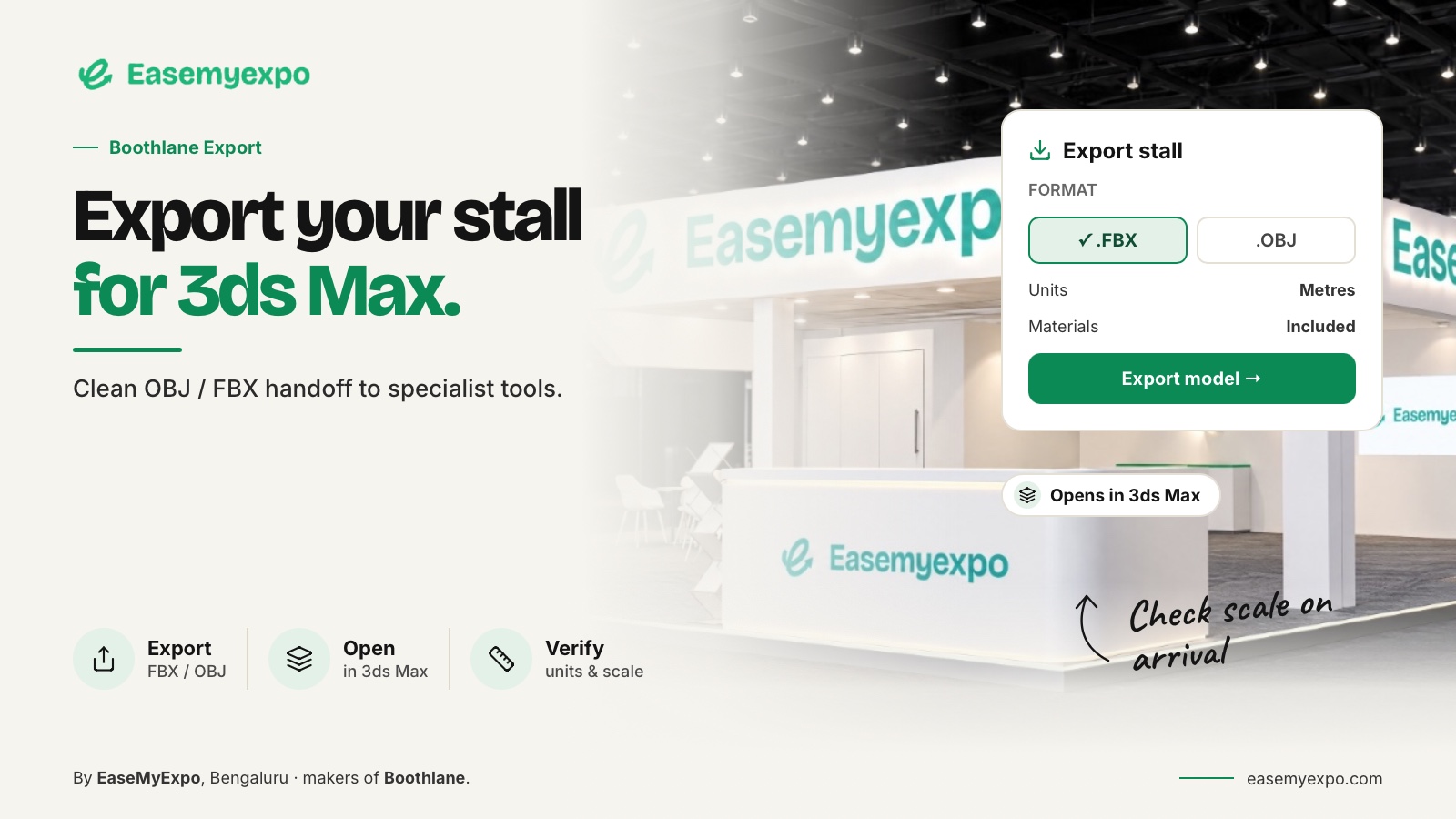
The documented EaseMyExpo workflow supports exporting a stall as OBJ or FBX. Use the format that has been tested with the receiving designer and the actual project requirements.
Launch coverage records this exchange capability. It supports the published product description, not a claim of perfect round-trip fidelity between unrelated applications.
Boothlane product launch coverage — EVENTFAQS
Keep the original editable project as well as the exported copy. An interchange file is a delivery asset; it should not automatically replace the source project and its design history.
How should the model be prepared?
Choose the revision intentionally. Remove unrelated test objects from the delivery copy and label the important parts clearly. Check that the design matches the presentation the client approved.
Include a dimension reference and identify any elements that are illustrative rather than specified. A product representation might be sufficient for space planning but not a manufacturing model. The recipient needs to know that distinction.
Do not promise a native .max scene by changing an extension or loosely describing compatibility. If the final deliverable must be a .max project, the receiving 3ds Max workflow needs to create and validate that project.
What should the receiving designer check first?
Import into a controlled test scene and compare a known overall dimension. Inspect orientation, object count and whether the important elements remain separately usable. Confirm that the booth is not unexpectedly merged or duplicated.
Autodesk's archived OBJ reference discusses object grouping, units and associated materials. Those remain useful handoff concepts, although the old documentation should not be used as an exact guide to current interface labels.
Next, compare the result with the reference images. Identify whether a discrepancy affects geometry, appearance or both. Do not silently correct a difference that changes the approved design.
What happens to materials and lighting?
Treat the receiving scene as something to inspect, not as a guaranteed identical replica. A material may need adjustment in the target renderer. Texture references may need to be resolved. Lights and camera settings should be checked against the intended output.
These are validation tasks rather than claims that every export will lose those elements. Record what the tested route actually preserves and what needs work. This gives the team a dependable process for future projects.
For important brand surfaces, compare the artwork directly. A technically successful import can still produce an unacceptable presentation if a logo is missing, stretched or placed on the wrong face.
What should the export package include?
A practical export package should include:
- Agreed model file: Geometry for the receiving workflow.
- Required appearance files: Material and texture references where applicable.
- Reference images: Expected visual state of the design.
- Dimension note: A known measurement for checking scale.
- Revision record: Identifies which version is current and what changed.
- Open-issues note: Prevents unresolved details from looking approved.
This is a recommended handoff package, not a promise that every item is automatically generated by a booth-design platform.
How should changes be managed after export?
Assign one owner to coordinate the design state. If the receiving designer changes the booth, record the change and identify which presentation files need updating. If the browser project changes, issue a new named export and retire the previous delivery version.
Avoid having two apparently final models with different arrangements. A simple revision identifier and a short change description can prevent significant confusion when a client, designer and fabricator all use different tools.
Test a complete round trip only when the process genuinely needs it. A one-way handoff and a repeated round-trip workflow are different requirements and may need different validation.
What does the export not prove?
It does not establish structural adequacy, a final bill of materials or organiser approval. A model can be useful for further design while still requiring technical development. Define those responsibilities outside the file-format conversation.
Do not confuse a format-compatible handoff with a finished production package. The recipient should know what work remains and which questions require the fabricator or another qualified professional.
Include a short import note with the model
A practical transfer note should identify the project, approved revision, exported format, expected units and one dimension the recipient can check. List any separate texture files and explain which features are only visual references. Keep the note outside the model as well, so it can be read before import.
For a hypothetical 6 m × 3 m booth, ask the receiving designer to verify those overall dimensions before adjusting materials. If the footprint is wrong, stop and resolve the interpretation rather than correcting several objects independently.
Record the receiving application version and any necessary cleanup after the test. This does not guarantee future compatibility, but it gives the next transfer a documented starting point.
The goal is a usable exchange package, not a file renamed to suggest native support it does not contain.
Keep texture filenames unchanged during the transfer.
Frequently asked questions
Does “3ds Max compatible” mean native .max support?
No. It can describe an interchange workflow. State the actual documented formats and test them rather than implying native scene support.
Which should I choose, OBJ or FBX?
Choose the format that meets the recipient's requirements and succeeds in a representative test. Do not assume either one preserves every part of every scene.
Can I promise identical renders after export?
Not without testing the receiving scene and renderer. Appearance depends on more than the geometry file alone.
When is the handoff complete?
When the recipient confirms the file is usable for the agreed task and the remaining responsibilities are recorded.
Keep the booth moving through your workflow
Explore Boothlane's OBJ/FBX exchange with your receiving designer and build a repeatable path from editable stall to specialist work.