How to Create a 360° Exhibition Stall Walkthrough: Choose the Right Format
Learn how to create a 360° exhibition stall walkthrough, choose the right format, plan camera movement and prepare the model for client review.
Contents
- At a glance
- Which walkthrough format do you need?
- How do you plan the visitor journey?
- How should the model be prepared?
- How should you handle camera movement?
- What is different about a VR walkthrough?
- What should you check before sharing?
- How should a walkthrough be used in approval?
- Specify how the client will review the video
- Frequently asked questions
- Is a rotating booth video a 360° walkthrough?
- Does a walkthrough require a VR headset?
- Can I use a walkthrough instead of a plan?
- What should I ask before ordering a 360° output?
- Show how the booth works as a space
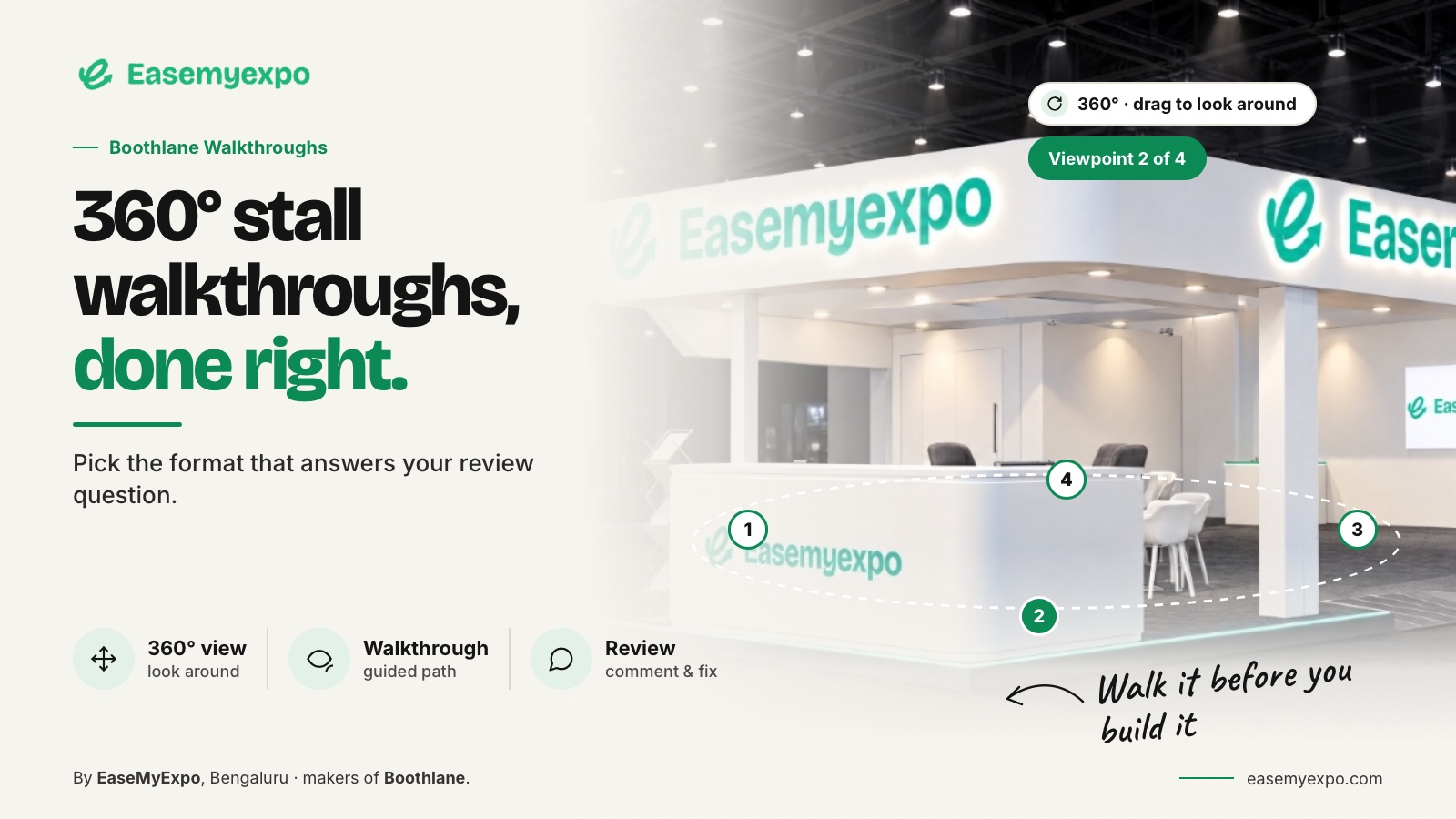
To create a 360° exhibition stall walkthrough, first define the output you need: an exterior orbit, a guided camera journey, an interactive panorama or a navigable 3D scene. Prepare the approved model, choose the viewpoints and test the exported presentation on the client's device. “360°” alone is not a complete delivery specification.
A walkthrough should help someone understand the booth as a space. A camera moving around an object can be useful, but it does not necessarily show the experience of entering and using the stand.
At a glance
An orbit video, camera-path walkthrough, panoramic video and interactive scene are different deliverables. Choose the format before promising a 360-degree experience. Plan the visitor story, test playback on the recipient's device and identify the model revision behind the presentation.
Which walkthrough format do you need?
An orbit video circles the booth and can communicate the exterior. A guided walkthrough follows a prepared route through or around the design. An interactive panorama allows the viewer to look around from a position. A navigable 3D presentation can allow movement through the scene, depending on the application.
These formats should be named separately in a brief. Epic's Twinmotion documentation distinguishes standard, 3D and 360° video outputs and describes camera views in a video sequence. This provides a documented example of why the output mode matters.
Twinmotion video documentation
Do not promise a particular spherical format, headset mode or resolution unless the chosen platform and plan support it and the result has been tested.
How do you plan the visitor journey?
Start with the questions the presentation should answer. How does the brand appear from the aisle? Where does the visitor enter? What happens at the product display? Where would a conversation take place?
For an illustrative corner stall, plan a short approach, a pause at the main product and a view toward the meeting area. Avoid an elaborate route that adds motion without explaining the layout. Keep the sequence focused enough that the viewer can remember the decisions.
Where a camera position is not physically representative, treat it as an explanatory overview rather than a literal visitor experience. A high aerial view can be useful when labelled clearly.
How should the model be prepared?
Use the revision that the team is actually reviewing. Check that the route does not pass through objects or conceal important surfaces. Make sure the real branding is present and that model scale has been reviewed.
A walkthrough can expose parts of the booth that a hero render never shows. Inspect the back of signs, the storage area and the second open side before sending the presentation. An attractive front image does not guarantee a coherent scene from every viewpoint.
Boothlane’s documented scope includes cinematic presentation video; confirm the exact walkthrough mode in the release you are using. Use those outputs to explain the design, and verify the exact available delivery mode before briefing a client on “360°.”
How should you handle camera movement?
Choose movement that makes the space understandable. Let the viewer recognise the main areas rather than moving so quickly that the presentation becomes a collection of impressions. Pause at important decisions and avoid unnecessary changes in direction.
This is a presentation recommendation, not a universal technical setting. The appropriate path depends on the booth and the viewing format. Preview the full result rather than checking only individual frames.
Twinmotion's documentation explains that video sequences can be built from camera keyframes. The broader planning lesson is to define the important viewpoints before worrying about decorative motion.
Twinmotion video documentation
What is different about a VR walkthrough?
VR is a delivery experience, not simply another word for a video. A headset presentation can involve a panorama or a navigable scene, and the hardware requirements depend on the software. Epic documents separate VR routes for panorama sets, local presentations and its editor/presenter environment.
Twinmotion VR viewing documentation
For an exhibition client, a normal browser or video presentation may be the more practical first review. Use VR when it answers a real spatial question and the recipient can access it reliably.
What should you check before sharing?
Before sending the walkthrough to the client, check:
- Format: Is this an orbit, guided video, panorama or navigable scene?
- Access: Can the client open it without any complicated setup?
- Continuity: Does every view show the same approved stall design?
- Branding: Is important artwork and branding readable when it appears?
- Route: Does the walkthrough clearly explain the booth’s main areas and functions?
- Status: Is the project revision and review request clearly mentioned?
Keep a simpler fallback such as a plan and selected still images. This is useful when the recipient cannot access the richer presentation, without assuming that every device supports every viewing mode.
How should a walkthrough be used in approval?
Ask the client to review the intended experience and layout, not to infer hidden technical details. A walkthrough can reveal an awkward entrance or a confusing display sequence. It cannot show that a structure has the required engineering or event approval.
If the booth changes, regenerate or update the affected presentation rather than letting an older walkthrough circulate as the current design.
The final deliverable should help the next conversation happen with less ambiguity. That is the purpose of motion in an exhibition presentation.
Specify how the client will review the video
Include delivery instructions in the brief, not just a requested duration. State whether the video will be watched silently, placed inside a presentation or reviewed on a phone. Decide whether spoken explanation needs captions and whether the client should receive a downloadable file or a viewing link. These are publishing choices, not promised features of every booth platform.
For a hypothetical approval meeting, ask reviewers to reference a timestamp and the object involved in each comment. “At the product stop, move the display left” is more useful than feedback about an unidentified moment in a long clip. Provide a matching still when a detail needs closer inspection.
Keep the motion file separate from background music, narration and campaign messages until the design is accepted. A layout correction should not require recreating unrelated promotional material. The result can still be polished, but its first purpose is to support a decision about the stall.
Frequently asked questions
Is a rotating booth video a 360° walkthrough?
It can show the booth from all exterior directions, but it is better described as an orbit or rotation video. Specify whether the client needs an interior route or an interactive view.
Does a walkthrough require a VR headset?
No. Many walkthroughs are ordinary videos or browser presentations. VR is a separate mode with its own access requirements.
Can I use a walkthrough instead of a plan?
Use them together when layout accuracy matters. The walkthrough explains experience; a measured plan communicates arrangement and dimensions more directly.
What should I ask before ordering a 360° output?
Ask for the exact format, viewing method, supported devices and a sample. Do not rely on the label alone.
Show how the booth works as a space
Explore Boothlane's presentation workflow and choose the views that help your client understand the stall before it is built.