How Exhibition Stall Designers Can Develop More Useful Concepts Without Losing Control
Learn how exhibition stall designers can build better concepts faster using reusable assets, clearer briefs, meaningful variations and controlled 3D workflows.
Contents
- How Exhibition Stall Designers Can Develop More Useful Concepts Without Losing Control
- At a glance
- Which work should be reusable?
- How should an asset library be maintained?
- How can you separate layout from styling?
- How should concept variants differ?
- How can you avoid duplicated rendering work?
- What should the team measure?
- How can a small team keep the process consistent?
- Give each concept a hypothesis
- Frequently asked questions
- Does producing more images mean the team is more productive?
- Should every project start from a template?
- Can AI replace the need for a prepared asset library?
- What is the simplest improvement to make first?
- Create more purposeful design options
How Exhibition Stall Designers Can Develop More Useful Concepts Without Losing Control
To develop exhibition stall concepts more efficiently, standardise the repeatable work while keeping the design decisions specific to the brief. Prepare reliable assets, separate layout from visual treatment and make each alternative test a meaningful idea. Measure time to an accepted concept, not simply the number of images produced.
More concepts are only useful when they help a client make a better decision. A folder of near-identical visuals can increase review work without resolving the brief.
At a glance
Reuse dependable assets and setup work, not entire ideas without checking the brief. Separate layout choices from styling and give each concept a different purpose. Render only the directions worth reviewing. Measure accepted concepts and avoidable rework, rather than the number of images produced.
Which work should be reusable?
Reuse information that should not need to be rediscovered: validated furniture dimensions, prepared brand assets, tested export settings and a clear briefing template. Keep those resources organised so a designer can trust them.
Do not reuse the previous booth's layout automatically. A different footprint, product or objective can change the spatial problem. Treat reusable assets as building blocks, not as a substitute for understanding the new project.
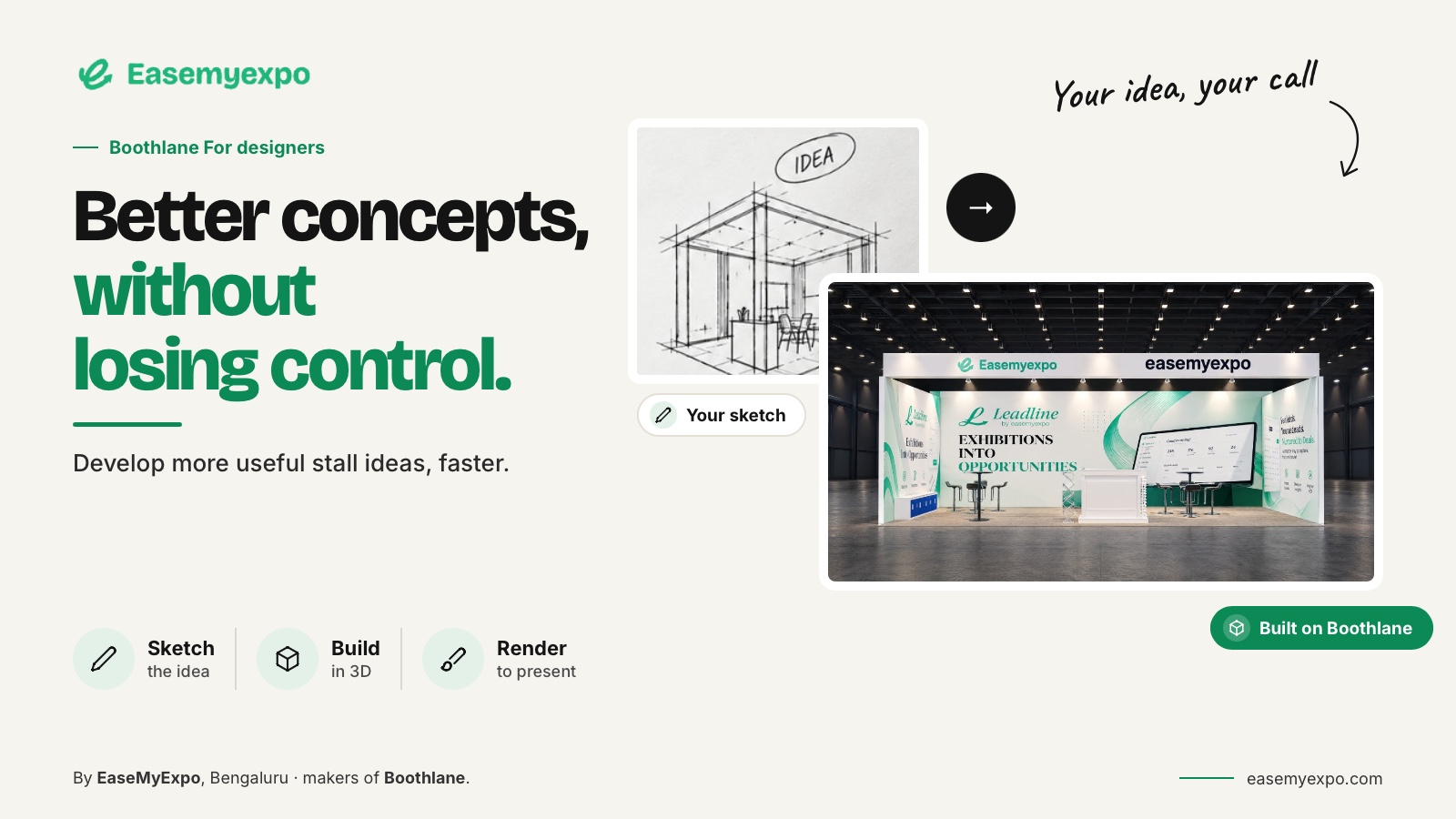
Boothlane supports a catalogue-based design workflow and importing custom models. Use those capabilities to assemble reliable resources, while preserving the design choices that make each stall appropriate to its brief.
How should an asset library be maintained?
Store a preview, dimensions, source and preparation note with each asset. Mark which versions have been tested in the working platform. Keep obsolete client products out of the current-use collection.
For an imported asset, record the format and the checks performed. Autodesk's OBJ documentation covers object grouping and related material considerations; this illustrates why a reusable asset needs more information than a filename.
The value of a library is consistency. If designers must inspect every object from scratch each time, the library is not yet functioning as a dependable tool.
How can you separate layout from styling?
First solve the arrangement of functions and required objects. Then explore fascia, finishes, lighting and visual identity within that arrangement.
When a styling idea changes the layout, treat it as a deliberate design change and review its consequences.
This separation makes feedback more actionable. A client can reject a material direction without accidentally reopening the approved product positions. It also helps the designer avoid polishing an arrangement that has not yet been accepted.
In Boothlane, use the editable model to control the stall and the rendering stage to communicate the design. AI is used for high-quality rendering, not as a claim that the complete process happens without judgment.
How should concept variants differ?
Give each concept a clear reason to exist.
One option might prioritise the product demonstration. Another might prioritise conversation capacity. A third might explore a different brand architecture while preserving the same required functions.
Use comparable views and the same source assets so the client can judge the intended difference. Avoid changing the camera, lighting and product layout all at once unless those changes are themselves part of the concept being evaluated.
For an illustrative brief, label options by strategy rather than simply “A, B and C”:
- Demonstration-led: Prioritises visibility and access to the main product or demo.
- Conversation-led: Gives more importance to meetings and discussion areas.
- Display-led: Uses the stall primarily to showcase products, graphics or brand assets.
These labels explain the decision without pretending the options have been objectively ranked.
How can you avoid duplicated rendering work?
Agree the layout and the important viewpoints before producing a large set of final visuals.
Make a small review set first and identify which outputs the client actually needs. A render should have a purpose beyond filling a proposal page.
Twinmotion's feature page separates lighting, scene dressing, storytelling and export. That is a useful example of distinct presentation tasks. In your own process, define those tasks so the team knows what can be prepared once and what changes with the booth.
Keep the model and presentation revisions aligned. Reusing an old image after a layout change is not efficiency if it creates an incorrect promise.
What should the team measure?
Record the time spent on:
- Briefing
- Asset preparation
- Layout development
- Customisation
- Presentation
- Client feedback
- Rework
Note the point at which the client accepted the concept. Separate active work from time spent waiting for feedback.
Also record why a concept was revised. Was the initial brief incomplete, the idea unsuitable or the presentation unclear? Those are different improvement opportunities.
Do not assume the answer is always more automation or faster rendering.
Report your own observations with their conditions. This article does not claim that a particular tool doubles output or saves a fixed percentage of time.
How can a small team keep the process consistent?
Agree naming, folder structure and review stages. Assign an owner to the brief and one place for consolidated client feedback.
Keep a short handoff note when a designer or application changes.
Use the same acceptance test for exported assets. A time saving inside one tool can disappear if the next designer has to repair the file. The process should be judged end to end.
The goal is a repeatable foundation that leaves more attention for design, not a production line that makes every booth look the same.
Give each concept a hypothesis
For a hypothetical software exhibitor, one concept could test whether a visible demonstration attracts the right conversation. Another could prioritise prearranged meetings with a quieter seating arrangement. A third might place a physical product display at the centre of the visit.
Those options change the experience, not merely the palette.
Write one sentence under each layout explaining what it is testing and what it sacrifices.
A demonstration-led version might offer less private seating. A meeting-led version might make the live product less prominent. Let the client choose that trade-off before refining every finish.
Reuse the approved logo, product model and basic asset preparation across the options where appropriate.
Do not duplicate unresolved work such as an unconfirmed product size.
When a direction is chosen, archive the rejected layouts clearly and develop the accepted one. This gives the team a repeatable process without turning every client brief into the same booth.
Keep rejected directions with a brief reason, so another designer does not unknowingly repeat an option the client dismissed.
Frequently asked questions
Does producing more images mean the team is more productive?
Not necessarily. Measure useful progress toward an accepted design and record the rework created by unclear options.
Should every project start from a template?
A template can help with repeated setup, but the layout still needs to respond to the actual brief. Reuse the process without blindly reusing the solution.
Can AI replace the need for a prepared asset library?
Do not assume it. Accurate products, approved artwork and dependable dimensions remain valuable inputs regardless of the visualisation method.
What is the simplest improvement to make first?
Use a clear brief and a small set of validated assets, then record the next project's stages. Improve the step that the evidence shows is creating avoidable work.
Create more purposeful design options
Explore Boothlane to build editable concepts, test meaningful variations and present the direction that fits the brief.
Explore Boothlane by EaseMyExpo
To pick up a draggable item, press the space bar. While dragging, use the arrow keys to move the item. Press space again to drop the item in its new position, or press escape to cancel.