From Exhibition Stall Concept to Fabrication: A Complete Handoff Workflow
Learn how to move an exhibition stall from concept to fabrication with clear approvals, technical documentation, artwork, version control and handoff checks.
Contents
- At a glance
- What should be agreed before modelling starts?
- Gate one: does the concept solve the brief?
- Gate two: is the model organised for further work?
- Gate three: what exactly has the client approved?
- Gate four: what technical information is required?
- How should event rules be handled?
- Gate five: are artwork and purchased items ready?
- What belongs in the fabrication handoff?
- How should late changes be controlled?
- Frequently asked questions
- Can a photorealistic render be used as the fabrication instruction?
- Does an OBJ or FBX export contain a complete fabrication package?
- Who should decide whether a stall is structurally suitable?
- When is the design ready to hand over?
- Start the design with the handoff in mind
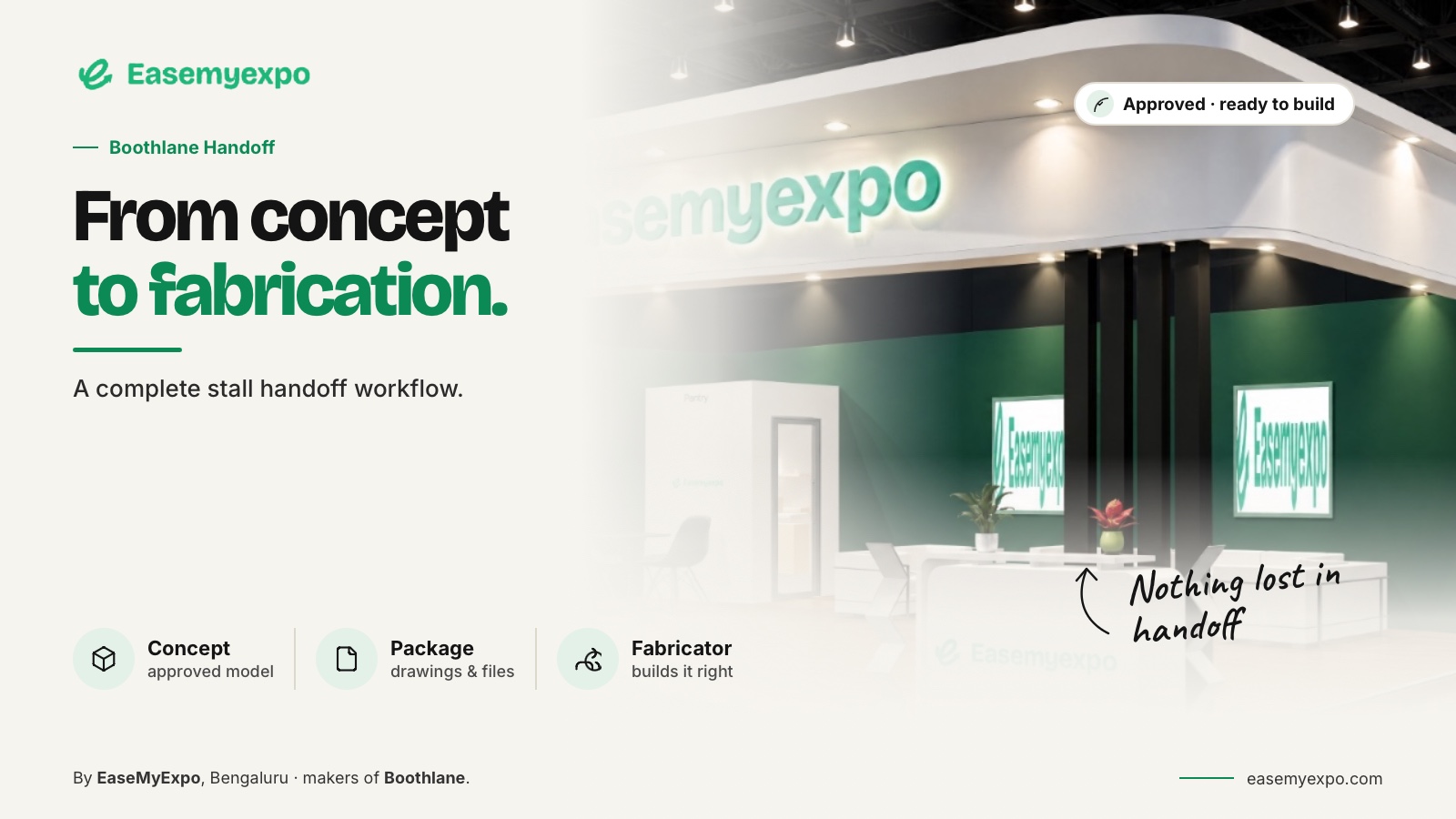
Taking an exhibition stall from concept to fabrication requires more than a realistic image. Establish the brief, develop an editable layout, obtain the right approvals, prepare technical information and control the version released for production.
A design platform can support the process, but the actual build still depends on suitable materials, engineering, event requirements and fabrication expertise.
This suggested process does not assume any application automates every stage.
At a glance
Agree the delivery package before modelling starts. Pass the concept through layout, model, client, technical and artwork reviews.
Give production a consistent revision with explicit exclusions and responsibilities. An approved visual is one part of that package, not permission to improvise the rest.
What should be agreed before modelling starts?
Confirm the allotted space, open sides, products, brand requirements and activities. Identify the current organiser manual, submission requirements and information that is still missing.
Separate facts from assumptions. A product's measured dimensions are a fact. A provisional allowance for a product not yet specified is an assumption. Both can appear in a concept, but they should not carry the same confidence into production.
Name the people responsible for:
- The brief
- Visual approval
- Technical development
- Fabrication
- Artwork
- Event submissions
Agree where the current version and supporting files will be stored.
Gate one: does the concept solve the brief?
Build the footprint and principal layout before refining the appearance.
Establish where visitors enter, how products are encountered and where staff work. Check whether the major elements fit together as an experience, not just as a collection of objects.
Present the layout with enough context for a useful decision. Show the neighbouring edges and likely approach direction.
Record why the preferred option was chosen, particularly where the solution involves a trade-off.
A concept may deliberately leave some fabrication details unresolved. Identify those details instead of disguising uncertainty with a polished image.
Gate two: is the model organised for further work?
Use clear object names and maintain a consistent unit convention.
Keep the essential parts of the stall identifiable, including:
- Walls
- Fascia
- Counters
- Product displays
- Branding surfaces
- Furniture
- Storage areas
EaseMyExpo's supplied product specification supports OBJ and FBX import and export. Before making either format part of the project plan, exchange a representative model with the receiving team and inspect it in their actual application.
Autodesk's archived OBJ reference describes options involving scale, object handling and materials. It is useful evidence of the checks an exchange needs, not a current click-by-click instruction for every 3ds Max version.
Do not assume a successful file import means the receiving team has everything it needs. Geometry can arrive while materials, names or useful organisation require further attention.
Gate three: what exactly has the client approved?
Separate approval of the visual direction from approval of the layout, commercial scope and technical detail.
Record the model and image versions associated with each decision.
Where AI-assisted rendering has changed a logo, added an object or altered a structural relationship, correct the image before using it as approval evidence.
A believable picture should not silently become a different design.
A client-approved concept is an input to technical development. It is not, by itself, a structural assessment or permission to build at a particular venue.
Gate four: what technical information is required?
The required package depends on the project and the organiser.
It may include:
- Dimensioned floor plans
- Elevations
- Relevant sections
- Assembly details
- Artwork dimensions
- Service requirements
- Material references
- Electrical information
- Revision records
The responsible specialists should determine the necessary level of detail.
Vectorworks Spotlight is one example of software that explicitly addresses event design and production documentation. Its scope illustrates the distinction between presenting an idea and preparing information for the people delivering it.
Use Boothlane for the editable design and visualisation stages, then agree the drawing scope with the technical team.
This workflow does not assume automatic generation of a complete fabrication drawing set.
How should event rules be handled?
Read the specific exhibitor manual and submission instructions for the contracted space.
Check which proposed elements require approval and which documents must be submitted by the relevant deadline.
GES's published booth-regulation example contains rules tied to a particular event. That specificity matters: a rule seen on another show's website is not universal permission for your project.
GES booth regulations and definitions
Track the outcome of submissions alongside the design record.
Where the organiser requires a change, update the technical package and affected visuals together.
Keep the approval evidence with the version it applies to.
Gate five: are artwork and purchased items ready?
Create an artwork schedule that ties each file to a surface, dimension and revision.
Distinguish the concept image from the artwork intended for output.
Confirm the production supplier's own requirements rather than imposing a generic export setting on every material.
For furniture, screens and products, distinguish the visual placeholder from the selected item.
Check the relevant dimensions and access needs with the supplier. A substituted screen or cabinet may affect:
- Space
- Support
- Power
- Cable routing
- Visibility
- Access
The model should help coordinate these relationships. It should not be treated as proof of supplier availability or an accurate price quotation.
What belongs in the fabrication handoff?
A compact release package can include:
- Accepted design: Exact model and presentation revision.
- Drawings: Current sheets and their issue purpose.
- Artwork: Surface reference, dimensions and approved files.
- Materials and bought-in items: Agreed selections and unresolved substitutions.
- Event requirements: Applicable manual and approval records.
- Open items: Responsible person and required decision.
- Revision record: Which files are current and which have been superseded.
This is a proposed coordination structure. The fabricator and project specialists should confirm whether additional information is necessary.
How should late changes be controlled?
Assess the impact before replacing a file.
Identify which drawings, graphics, quantities and approvals need revision. Tell the receiving team which earlier information has been superseded.
Avoid releasing a changed hero render while leaving the technical plan untouched.
If the change is visual only, say so. If geometry has changed, update the model and the relevant documentation.
At handoff, ask the recipient to confirm that they can open and understand the package.
That is a more useful completion test than checking that an email was sent.
Frequently asked questions
Can a photorealistic render be used as the fabrication instruction?
Not on its own. It communicates appearance, while the build requires the appropriate dimensions, details, specifications and approvals.
Does an OBJ or FBX export contain a complete fabrication package?
No. A 3D asset exchange is not the same as a dimensioned drawing set, artwork release or engineering assessment.
Who should decide whether a stall is structurally suitable?
The appointed qualified professionals and responsible delivery team should assess it within the project's requirements. A visualisation application does not replace that responsibility.
When is the design ready to hand over?
When the receiving team has the agreed current information, understands the outstanding items and confirms the package is usable for its intended purpose.
Start the design with the handoff in mind
Explore Boothlane to develop the editable stall concept, organise the visual direction and prepare the model for the next stage of your workflow.