ExpoBooth.ai vs Boothlane by EaseMyExpo: A Source-Based Booth Design Comparison
Compare ExpoBooth.ai and Boothlane by EaseMyExpo across AI concepts, editable 3D design, rendering, revisions, CAD exchange and booth-design handoffs.
Contents
- At a glance
- How does each workflow begin?
- What can be compared from the available evidence?
- How should you compare design control?
- How should you compare render quality?
- How should you compare handoff?
- Which option should your team investigate first?
- Separate purchase conditions from design capability
- Frequently asked questions
- Is this an independent review?
- Does Boothlane use AI to generate the whole booth?
- Does ExpoBooth support existing 3D models?
- Can either product guarantee that a rendered booth is buildable?
- Compare using your own booth
- Explore Boothlane by EaseMyExpo →
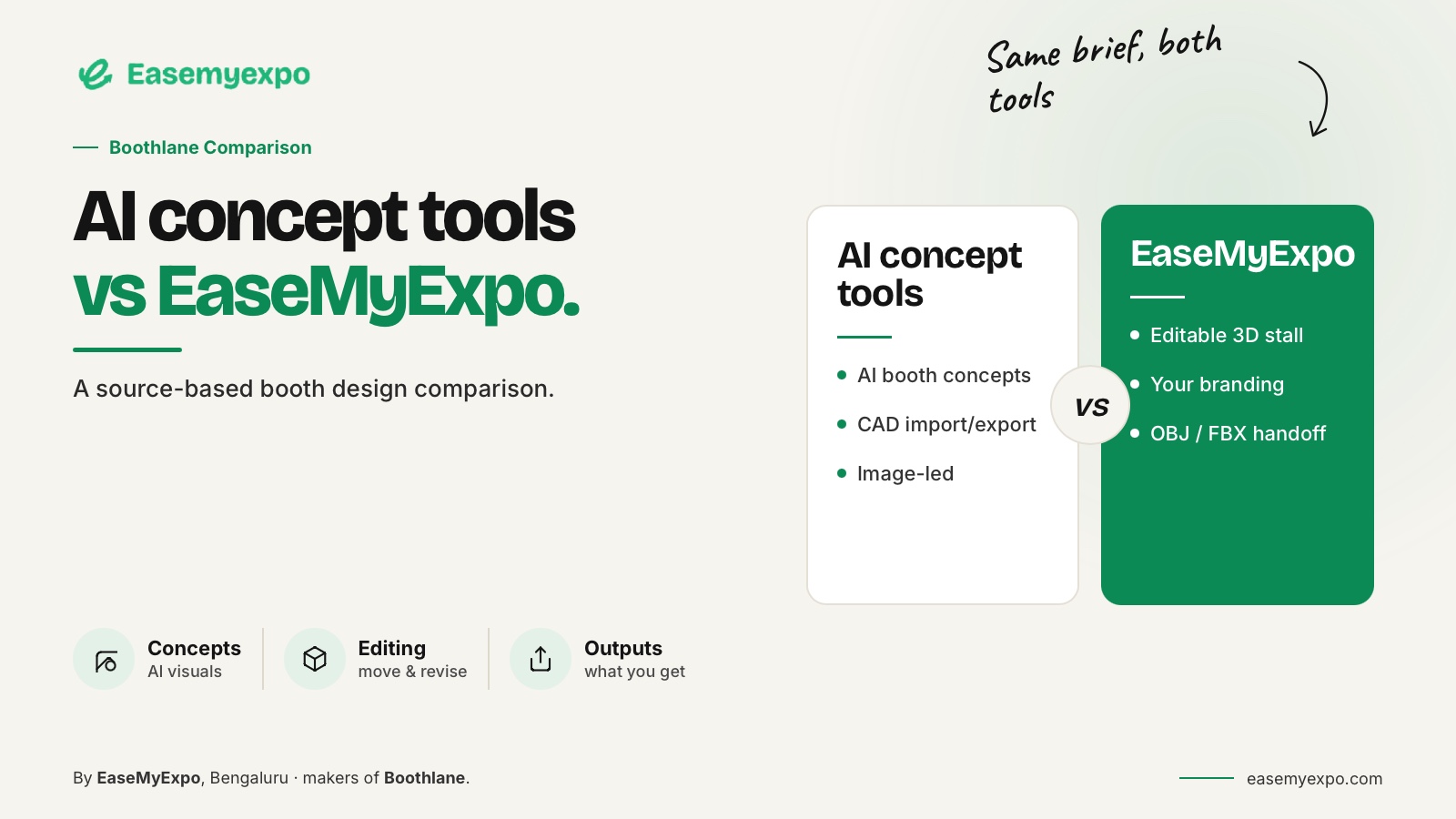
ExpoBooth.ai and Boothlane both address exhibition design and visual presentation, but their public starting points differ. ExpoBooth emphasises AI-generated concepts and CAD-informed rendering. Boothlane by EaseMyExpo centres on editable browser-based stall creation, with AI used for high-quality rendering.
Compare the specific editing, presentation and handoff tasks you need rather than assuming either product is universally better.
A useful head-to-head should help you ask better questions. It should not hide a competitor's documented capabilities or convert marketing claims into measured facts.
Disclosure and method: This comparison is published by EaseMyExpo and checked against available product information on 25 September 2026. Boothlane features are company-described. ExpoBooth features are attributed to its own pages. No controlled hands-on benchmark was performed.
At a glance
ExpoBooth emphasises generated concepts and CAD-informed visuals; Boothlane by EaseMyExpo emphasises editable browser-based stall design with AI rendering.
Both require a task-level comparison. This company-published guide distinguishes documented capabilities from trial questions and does not present an independent winner.
How does each workflow begin?
ExpoBooth's web-app page describes using prompts and reference materials to generate booth concepts. The September CAD-to-render announcement adds a model-informed route.
These are documented starting points; the exact workflow available to an account should be checked with the supplier.
ExpoBooth.ai self-service web app
ExpoBooth.ai CAD-to-render announcement, 17 September 2026
Boothlane begins with an editable stall.
Users select or create the required elements, place objects, customise the fascia and apply brand assets. The visual presentation follows those design decisions.
AI use belongs to rendering, not a claim that the platform replaces the designer's decisions.
This difference is useful for trial planning, but it is not proof that one platform cannot perform an overlapping task. Test the overlap instead of assuming it away.
What can be compared from the available evidence?
Here is what the documented information supports:
- Public emphasis
- ExpoBooth.ai: AI concept generation and model-informed visuals
- Boothlane: Editable stall design and presentation in the browser
- Role of AI
- ExpoBooth.ai: Generation and rendering described in supplier pages
- Boothlane: High-quality rendering with user-controlled design
- Existing geometry
- ExpoBooth.ai: September update gives an OBJ upload example
- Boothlane: Documented OBJ and FBX import workflow
- Model handoff
- ExpoBooth.ai: CAD exchange has been announced; exact outputs and plan should be verified
- Boothlane: Documented OBJ and FBX export workflow
- Precise revisions
- Both should be tested using the exact edit your team needs
- Technical approval
- Neither visual workflow should be treated as automatic engineering or fabrication approval
The comparison is deliberately limited. It does not assign invented scores, mark unverified capabilities absent or imply a direct native .max workflow for either platform.
ExpoBooth's earlier CAD announcement supports the exchange claim, while its later page is more specific about the OBJ input example. Confirm the complete current format list directly rather than extrapolating from one example.
How should you compare design control?
Prepare a booth with one recognisable product display and one custom fascia.
Ask for three specific changes:
- Move the display without changing its size
- Make the fascia shorter
- Keep the brand artwork exact
Keep the approved footprint unchanged.
Then review the actual result in each product.
Ask:
- Does the object remain identifiable?
- Do other views still describe the same booth?
- Did unrelated elements change?
- Can the next person continue editing?
- Does the final visual still correspond to the editable design?
These questions matter more than the similarity of two attractive initial renders.
Do not infer a failure from a vendor's absence of documentation. Mark the point as unverified, request a demonstration and update the comparison after seeing the evidence.
How should you compare render quality?
Use the same model or equivalent brief, the same brand assets and an agreed viewing angle.
Inspect:
- Proportions
- Material interpretation
- Lettering
- Logo accuracy
- Product position
- Object quantities
- Consistency between views
Decide whether the image supports the approved design or introduces visual changes that need discussion.
In Boothlane, a polished render should remain part of a controlled design presentation. Where a lighting effect or surrounding scene is illustrative, make that clear to the client.
Apply the same review standard to any platform, including a conventional renderer.
A fair comparison also distinguishes an aesthetic preference from a technical error.
“We prefer this lighting” is not the same finding as “the output changed the product dimensions.”
Record them separately.
How should you compare handoff?
Give the receiving designer a sample file from each route.
Provide the expected dimensions and a short object list.
Ask them to inspect:
- Scale
- Orientation
- Object separation
- Material references
- Textures
- Whether important parts can still be edited
- Whether the file opens correctly in the software they actually use
Save screenshots of the import and note any corrections required.
The test is complete when the recipient can continue working, not merely when a download button has produced a file.
Do not promise flawless texture or renderer transfer without testing it.
For both products, define the additional fabrication package separately. A model or render is not a substitute for responsibility over dimensions, materials, engineering and organiser requirements.
Which option should your team investigate first?
Investigate a concept-led workflow when your immediate challenge is exploring visual directions from a brief.
Investigate an editable builder when the immediate challenge is arranging and revising the booth itself.
Where the two overlap, use the same acceptance test.
A practical trial should include:
- The same footprint
- The same product dimensions
- The same brand assets
- The same custom element
- The same revision request
- The same required final output
Retain a specialist downstream application when the project needs it.
The decision can be about adding a useful stage, not necessarily replacing every tool the agency already owns.
Check pricing, usage allowances, output options and access terms directly before purchase. Those commercial details are not assumed to be permanent or identical across regions and plans.
Separate purchase conditions from design capability
Before choosing either platform, request the plan that covers your intended work and list any usage limits beside the feature being evaluated.
An export available in one service tier does not establish availability in every account.
A managed service and a self-service workflow can also involve different responsibilities, even when their images look comparable.
Ask:
- Who may access client assets?
- How long do projects remain available?
- What happens when the subscription changes?
- Which exports are included?
- Which presentation options are included?
- Can another team member retrieve the project?
- Do shared client links remain available?
- Are there usage or rendering limits?
Record the supplier's current answers without guessing from a pricing headline.
For a hypothetical agency with several designers, the ability to retrieve a colleague's project may be more important than an extra presentation effect.
Treat those operational requirements as questions for both companies, not as undocumented advantages of one.
Also ask whether shared client links remain available after the project owner leaves the team.
Frequently asked questions
Is this an independent review?
No. It is a source-based comparison published by EaseMyExpo.
Vendor capabilities are attributed and recommendations are framed as tasks to test, not independent product rankings.
Does Boothlane use AI to generate the whole booth?
Boothlane by EaseMyExpo is positioned as an editable 3D design platform.
Users make the design decisions, and AI is used for high-quality rendering.
Does ExpoBooth support existing 3D models?
Its public CAD-to-render announcement describes model upload, including an OBJ example.
Ask the supplier for the full current input and output specification relevant to your plan.
Can either product guarantee that a rendered booth is buildable?
A render alone cannot establish that.
Define the technical package and require the responsible professional and organiser reviews for the actual project.
Compare using your own booth
Explore Boothlane with the same brief, custom object and revision request you use elsewhere.
Choose on demonstrated fit, not unverified promises.