Exhibition Stall Design Software: The Buyer’s Requirements Checklist
Use this buyer’s checklist to evaluate exhibition stall design software for editable 3D, revisions, client presentation, file handoff, collaboration and total cost.
Contents
- Exhibition Stall Design Software: The Buyer’s Requirements Checklist
- At a glance
- What should the requirements document contain?
- Can the software handle both routine and custom work?
- What does “collaboration” mean in practice?
- How should you test file exchange?
- What should “production-ready” mean in your purchase decision?
- How can you run a useful evaluation session?
- How should you compare cost and access?
- What is the final buying decision?
- Make the acceptance record easy to challenge
- Frequently asked questions
- Should the designer make the decision alone?
- Is a feature marked “not documented” the same as “not available”?
- How many platforms should we trial?
- Can one platform replace every part of our process?
- Evaluate Boothlane with your own requirements
Exhibition Stall Design Software: The Buyer’s Requirements Checklist
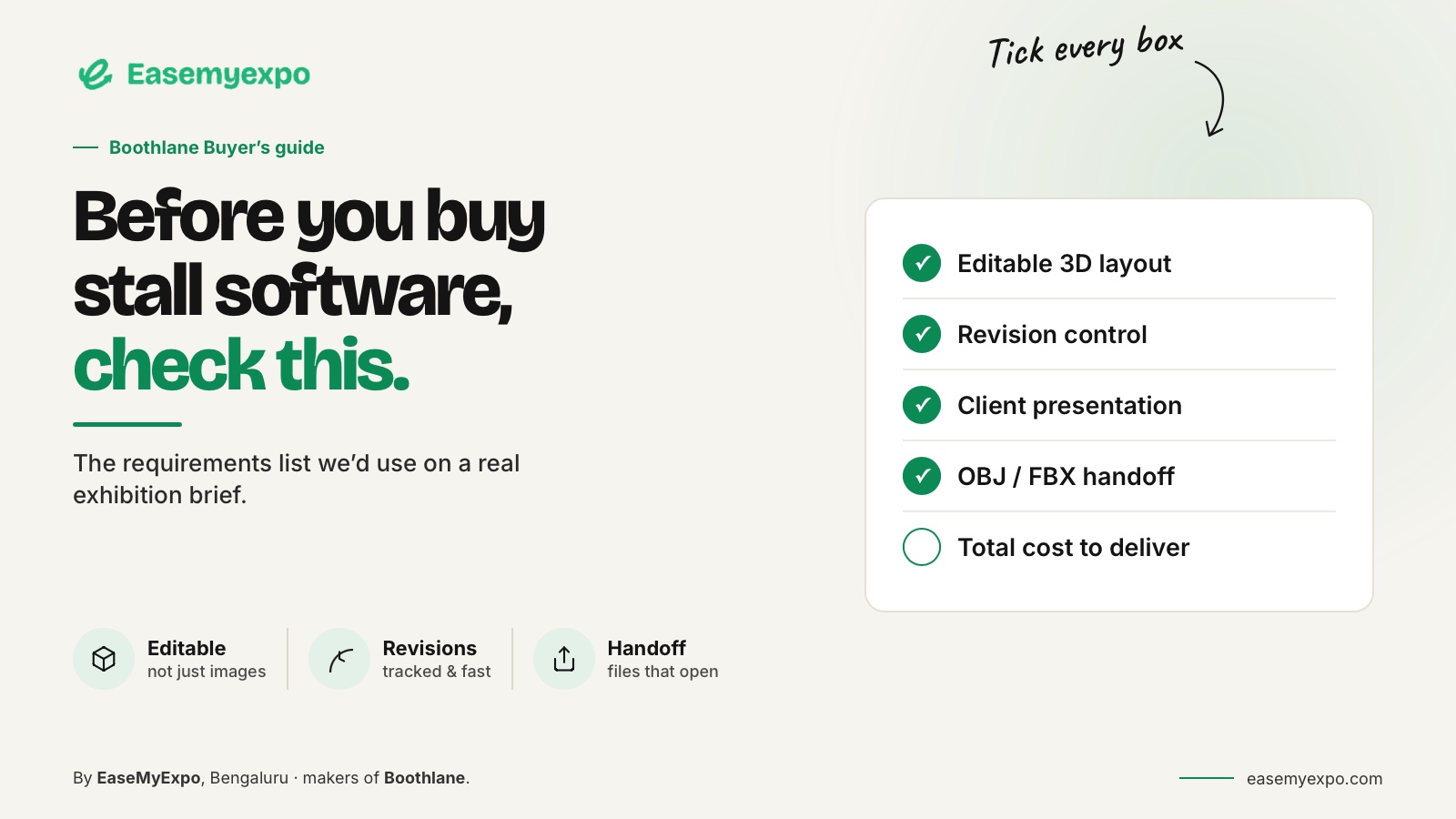
Exhibition stall design software should be evaluated against the work your team must complete, not the length of a feature list. Define the brief, required edits, presentation formats and handoff requirements first. Then ask each vendor to demonstrate those tasks on one representative booth and record what works, what is restricted and what remains unverified.
A procurement mistake often begins with an imprecise requirement: “We need better booth-design software.” Better for whom? The account manager needs an understandable presentation. The designer needs control. The fabricator needs usable information. A useful evaluation gives each person a voice.
At a glance
Write requirements as actions your team can demonstrate: build, revise, present, export and approve.
Separate essential capabilities from preferences. Test with a custom asset and an external reviewer, then compare the complete cost and access terms of the required plan.
What should the requirements document contain?
Write down your common booth types, typical project complexity and the deliverables promised to clients.
Include:
- Custom objects
- Graphics
- Lighting
- Remote review
- Model exchange
- Existing software integrations
- Required presentation outputs
- Client approval requirements
Distinguish essential tasks from features that would simply be pleasant to have.
Use verbs rather than vague adjectives.
“Replace a product model without rebuilding the whole stand” is testable.
“Effortless workflow” is not.
“Open the exported booth in the receiving application at the correct size” is testable.
“Production-ready” needs a written definition before it can be assessed.
Can the software handle both routine and custom work?
A catalogue can help with standard furniture and display elements, but a serious evaluation should also include an unusual object.
Test:
- A client-specific product
- A custom fascia
- Precise branding placement
- An unusual booth configuration
- A meaningful layout revision
Boothlane's documented scope includes catalogue items and custom fascia.
In a trial, evaluate how those options work together for your own brief rather than assuming a large catalogue removes the need for customisation.
The relevant question is not how many items exist in a library. It is how much of your regular work can be completed without compromises that become expensive later.
What does “collaboration” mean in practice?
Ask what the vendor means by collaboration.
It could refer to:
- Link sharing
- Comment collection
- Simultaneous editing
- Project ownership controls
- Client review
- Approval tracking
- Team access
These are different capabilities.
Do not infer all of them from a general collaboration label.
For your own process, decide who is allowed to edit, who reviews and who approves.
Test the presentation on a device used by an actual client. A workflow that is clear inside the design team may still confuse an external reviewer.
Arcadium documents browser-based sharing of a live 3D stand. That is a useful example of a specific collaboration action. It does not mean that every other platform uses the same access controls or review system.
Arcadium trade show booth design
How should you test file exchange?
Prepare a small asset with known dimensions, a recognisable material and more than one object.
Move it through the exact import and export route the team intends to use.
Check:
- Units
- Scale
- Orientation
- Object names
- Textures
- Materials
- Editable structure
- Grouping
- Whether the receiving software opens the file correctly
An interchange format is a transport mechanism, not a promise that every application-specific feature survives.
SketchUp's compatibility documentation separates supported formats by product or plan, which is a useful reminder to check the exact subscription being evaluated.
SketchUp file-format compatibility
For Boothlane, the documented formats are OBJ and FBX.
Native .max support should not be assumed. Agree the receiving workflow with the professional using 3ds Max before the first deadline-dependent handoff.
What should “production-ready” mean in your purchase decision?
Define the package before using the term.
Does “production-ready” mean only model geometry?
Or does it also include:
- Measured drawings
- Material information
- Artwork files
- Revision records
- Technical information
- Engineering review
- Electrical requirements
- Fabrication documentation
Some software is explicitly oriented toward documentation.
Vectorworks Spotlight, for example, describes event and scenic production information alongside design.
That is a reason to examine a different workflow category, not to assume every exported file from every platform is equivalent.
A vendor should be able to identify what its software produces and what people must still do.
Clear boundaries make a product easier to evaluate.
How can you run a useful evaluation session?
Use the same tasks for every shortlisted platform.
A practical evaluation can include:
- Build: Create one representative exhibition booth and keep the saved editable project.
- Revise: Apply a meaningful client change and record the before-and-after result.
- Present: Share the design with an external reviewer and record whether they could access and understand it.
- Exchange: Open a sample export in the receiving software and check dimensions, materials and structure.
- Approve: Record which decisions were accepted and which tasks remain unresolved.
Do not score a supplier for a feature you did not actually test.
Mark it “not tested” and keep that separate from a demonstrated failure.
How should you compare cost and access?
Request the current plan details, usage allowances, renewal terms and any paid export or rendering options.
Include the effort involved in learning and maintaining the workflow.
A platform that suits one designer may have a different cost profile when used across an agency.
Check:
- Subscription cost
- Number of users
- Rendering allowances
- Export restrictions
- Storage limits
- Collaboration access
- Commercial-use terms
- Renewal pricing
- Training effort
- File access after cancellation
Also ask about ownership and access to project files after a subscription changes.
Have the supplier answer using its current terms.
Do not assume a permanent free tier, unlimited renders or commercial-use rights for any particular plan.
What is the final buying decision?
Choose the tool or combination of tools that demonstrably meets the essential requirements.
Keep the trial files as a reference.
They provide a baseline when onboarding the team and make it easier to recognise whether a later problem is:
- A product limitation
- A changed setting
- An incomplete handoff
- A training issue
- A workflow problem
Choose on demonstrated capability, not presentation alone.
Make the acceptance record easy to challenge
For each requirement, record:
- Who tested it
- Which sample was used
- What happened
- Whether the result passed
- What remains unverified
- Any plan or account restrictions
Keep demonstrated capability separate from a salesperson's assurance or a feature awaiting release.
A short screen recording can help explain a failed step without turning the evaluation into a lengthy report.
Also test the exit route. Identify which project data your team can retrieve when access ends.
Request written clarification where terms are unclear.
These are procurement questions, not claims about any named vendor's policies.
Frequently asked questions
Should the designer make the decision alone?
No. Include the people who approve, present and receive the work. They may expose requirements that are invisible during modelling.
Is a feature marked “not documented” the same as “not available”?
No. It means you still need evidence. Ask the vendor to demonstrate it and update the record.
How many platforms should we trial?
Choose a manageable shortlist that represents distinct workflows. Depth of testing is more useful than briefly opening a large number of applications.
Can one platform replace every part of our process?
Possibly for a limited scope, but do not assume it. Evaluate where specialist modelling, documentation or fabrication review still adds necessary control.
Evaluate Boothlane with your own requirements
Bring a real booth brief, a custom asset and a revision request. Use them to decide whether Boothlane by EaseMyExpo fits the work your team needs to deliver.