Exhibition Stall Design for Agencies: A Clearer Client-Approval Workflow
Learn how agencies can manage exhibition stall design approvals with clearer stages, consolidated feedback, version control and better client sign-off.
Contents
- At a glance
- Why do stall design approvals become difficult?
- Who should approve what?
- Stage one: approve the footprint and layout
- Stage two: approve the visual direction
- Stage three: review the experience
- How should a review meeting work?
- What belongs in a decision log?
- What happens when the client changes an approved decision?
- How does the approved concept reach production?
- Frequently asked questions
- Should the client approve a render or a complete drawing package?
- How many concept options should an agency show?
- Does a shared 3D presentation replace written approval?
- Can all reviewers edit the Boothlane model simultaneously?
- Make the next client review easier to act on
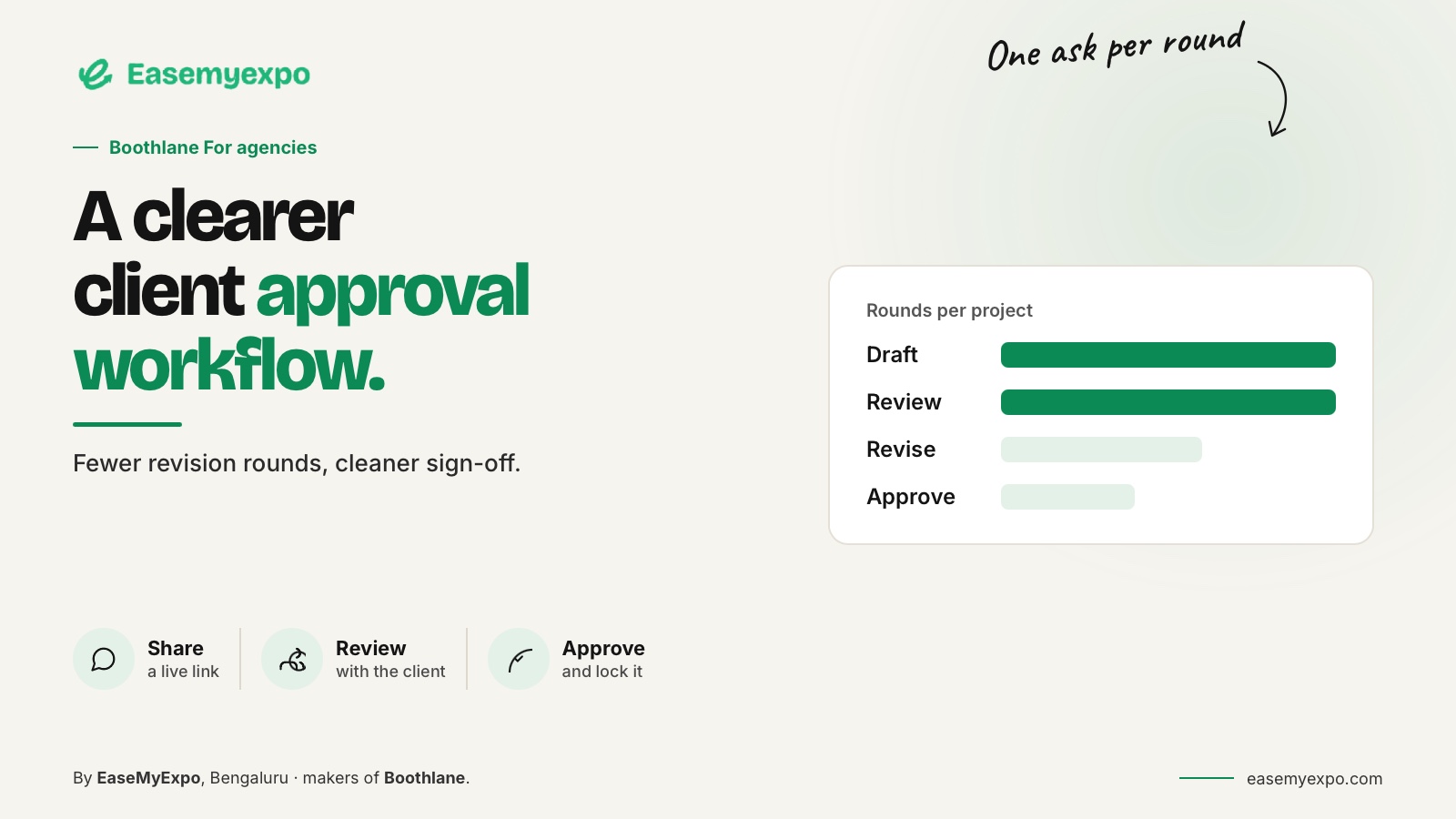
A useful exhibition stall approval process separates layout, visual design and fabrication decisions. Show the client the information needed for the current decision, record what was accepted and consolidate changes before preparing the next version. An attractive render helps, but it is not a substitute for a clear brief, named decision-makers or technical review.
This proposed workflow makes no quantified claim about approval speed.
At a glance
Approve layout, visual direction and technical information in separate stages. Assign the right decision owner to each. Use one versioned presentation and a consolidated feedback record. Treat a late change to an approved requirement as a scope decision, not an invisible correction.
Why do stall design approvals become difficult?
Imagine an agency receiving three messages about the same design. Marketing wants a larger logo, sales wants another meeting table and the project manager wants a smaller footprint. Each request may be reasonable, but they cannot be treated as independent cosmetic changes.
The table affects circulation. The footprint affects almost everything. The logo may need a different fascia. If three designers respond separately, the project can accumulate conflicting versions without getting closer to an agreed design.
The agency's job is to explain those trade-offs and collect one coherent decision, rather than distribute conflicting instructions.
Who should approve what?
Agree the decision owners before the first presentation. The following is a suggested responsibility structure, not a universal allocation for every business.
- Exhibition objective and priority audience: Marketing or business lead
- Product demonstrations and meetings: Sales or product representative
- Brand appearance and artwork: Brand representative
- Budget and scope: Authorised project owner
- Technical feasibility and event compliance: Appointed specialists and project team
One person should consolidate client feedback. That person does not need to possess every specialist skill, but must be able to distinguish an approved decision from an unresolved question.
Stage one: approve the footprint and layout
Start with the allocated footprint, open sides, approach directions and essential activities. Show where people enter, what they see, where demonstrations happen and how staff access storage.
Use a plan alongside a simple 3D view. Ask a focused question: does this layout support the agreed brief?
For exhibition-specific background, Freeman explains common booth configurations. The organiser's own plan and manual remain the authority for the booked space; general terminology does not confirm what is permitted at a particular show.
Freeman exhibit stand design guidance
Stage two: approve the visual direction
Once the layout is accepted, develop the branding, fascia, materials and lighting direction. Present a small number of meaningful variations. Explain what differs and why the choice matters.
A client should not have to guess whether two images show alternative designs, different camera angles or different lighting.
Label each image with:
- Concept name
- Revision
- View
- What has changed
- What decision is being requested
Include a view from the likely visitor approach rather than relying entirely on elevated hero shots.
EaseMyExpo's launch coverage describes browser-based stall customisation and presentation through renders, video and AR. These are presentation options, not evidence that the client's approval happens automatically.
Boothlane by EaseMyExpo launch coverage — EVENTFAQS
Stage three: review the experience
Choose the review format for the question.
A guided video can explain the planned visitor journey. An interactive view can help people inspect a particular relationship. An AR preview can place a representation in a physical environment.
Do not assume everyone can use the same device or headset. Send a conventional image or plan as a fallback and test the intended presentation on the recipient's equipment before the meeting.
Keep approval boundaries visible. Agreement with a visual experience does not certify a structure, resolve an electrical specification or authorise a venue submission.
How should a review meeting work?
Open with the decisions already agreed and the questions still open.
Explain the proposal against the brief, rather than defending every aesthetic choice as a matter of taste.
For each comment, identify its purpose. “Move the counter” might mean:
- Improve the entrance
- Make the logo more visible
- Create a longer queue area
- Improve staff movement
- Make the product easier to see
Solving the purpose can lead to a better change than mechanically following an instruction.
Close with a written summary of accepted items, requested changes and unresolved dependencies. Record the next decision owner and the information they need.
Avoid vague conclusions such as “mostly approved” when the remaining issue could alter the structure.
What belongs in a decision log?
A compact record is sufficient when the fields are consistent.
For example:
- Design version: Concept B, revision 03
- Item under review: Reception position
- Decision: Move behind the front branding line
- Reason: Keep the visitor entrance unobstructed
- Consequence to check: Cable route and staff access
- Status: Awaiting revised plan
This is an illustrative record, not a real EaseMyExpo customer case study. A spreadsheet or project-management system can hold the log; no specific built-in approval feature is assumed.
What happens when the client changes an approved decision?
Changes can be legitimate. The important step is to identify their effect before executing them.
A replacement graphic and a relocated store room should not follow the same review path.
State which previously approved items the change affects, whether a new technical review is needed and which output version will replace the earlier one.
Agree any commercial consequences through the agency's normal process.
Archive superseded files visibly. A clear file name is less exciting than a polished render, but it can prevent a fabricator working from the wrong arrangement.
How does the approved concept reach production?
Prepare a handoff that identifies:
- Accepted design version
- Dimensions
- Artwork references
- Required files
- Outstanding technical questions
- Latest approved presentation
- Revision status
Where the next team needs a 3D model, test the exchange before the deadline.
Documentation tools such as SketchUp LayOut demonstrate why model presentation and drawing preparation are distinct tasks. An accepted visual concept still needs the documentation appropriate to the build.
Boothlane's documented model exchange uses OBJ and FBX. That is a route into a wider workflow, not a guarantee that every downstream material or application-specific feature transfers unchanged.
Frequently asked questions
Should the client approve a render or a complete drawing package?
Use separate approvals for separate decisions. A render can support visual approval; the project also needs the relevant layout, scope and technical reviews.
How many concept options should an agency show?
Show enough to make a meaningful choice without creating indistinguishable variants. Explain the purpose and trade-offs of each option rather than relying on a fixed universal number.
Does a shared 3D presentation replace written approval?
No. Record which design version was accepted and what that acceptance covers through the project's agreed approval process.
Can all reviewers edit the Boothlane model simultaneously?
Do not infer simultaneous multi-user editing from the ability to share a design. Verify the current collaboration controls before promising a specific team workflow.
Make the next client review easier to act on
Use Boothlane to develop and present the stall, then pair the visuals with a clear decision log and a controlled handoff.