AR for Exhibition Stall Design: Preview Your Booth in a Real Space
Learn how AR for exhibition stall design helps teams preview booths in real spaces, review scale and layout, and discuss designs before fabrication.
Contents
- At a glance
- How is AR different from looking at a 3D model?
- How does Boothlane use AR?
- What should you prepare before opening the preview?
- What questions can AR help answer?
- What should you not infer from AR?
- How should AR fit into client approval?
- What should the delivery brief specify?
- Explain what an AR screenshot leaves out
- Frequently asked questions
- Can AR show a stall before fabrication?
- Is AR the same as VR?
- Will AR work on every phone?
- Can I measure the final booth from the AR view?
- Bring the design into the conversation
Augmented reality places a digital exhibition stall into a view of the real environment, usually through a compatible phone or tablet. It can help people discuss scale, appearance and spatial relationships before a build. An AR preview is a visual review tool, not a calibrated site survey, structural check or guarantee of fit.
The value of AR is not the novelty of seeing a booth on a phone. It is the conversation that becomes possible when the design is easier to relate to a physical space.
At a glance
AR places a digital booth in a real environment on a compatible device. It can support scale and sightline discussions, but does not certify measurements or construction. Test placement, device support and the exact shared model before asking a client to review it.
How is AR different from looking at a 3D model?
A standard 3D viewer presents the booth on a screen within its own scene. AR combines a digital object with the camera's view of the surroundings. That can make a design easier to discuss with someone who finds plans and isolated renders difficult to interpret.
Apple's Quick Look documentation describes presenting 3D objects in real-world surroundings using supported files and devices. Google's Scene Viewer similarly documents launching a 3D/AR experience from supported Android contexts. These are platform examples, not proof that any particular booth application supports every listed device.
Google Scene Viewer documentation
How does Boothlane use AR?
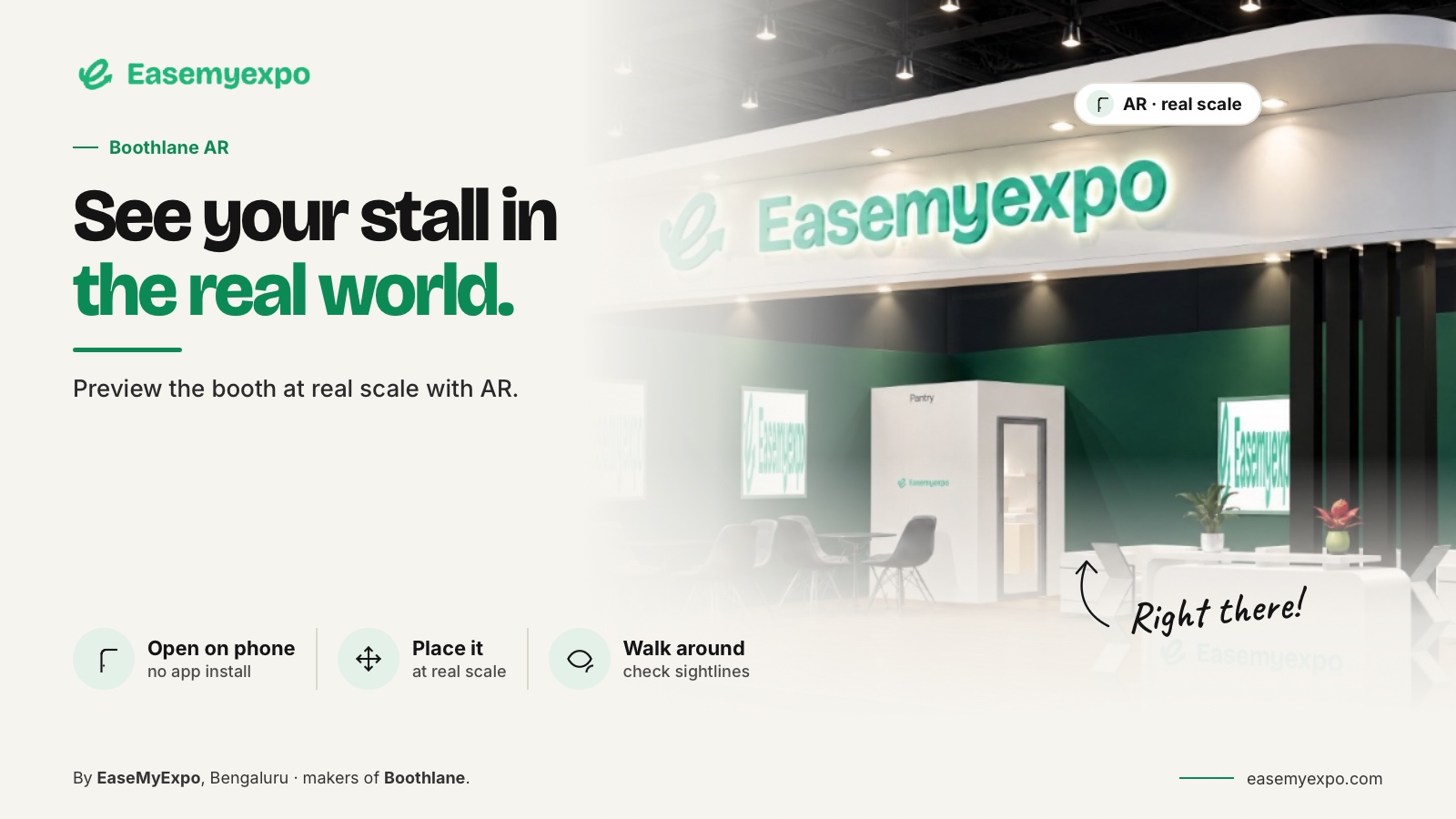
Boothlane's documented workflow includes placing a stall preview into a real-life environment through a phone-browser AR experience. The user first creates and customises the booth, then uses the preview to present that design.
The launch coverage records the AR capability. It should be treated as product-description evidence, not an independent measurement of placement accuracy or compatibility across all phones.
Boothlane by EaseMyExpo launch coverage — EVENTFAQS
Before a client meeting, test the actual project on the intended device. Keep a simpler 3D or image presentation available so the design discussion can continue if AR is not supported or the environment is unsuitable.
What should you prepare before opening the preview?
Use the correct design revision and verify the intended model size. Check that the display objects and main dimensions have not been altered just to improve the composition. A scale error in the source model remains an error when presented through AR.
Choose a suitable, safe area in which to demonstrate the preview. Avoid asking someone to move through obstacles while concentrating on a screen. Explain whether you are showing an approximate placement for discussion or a deliberately scaled demonstration.
Confirm the permissions and access steps in advance. A meeting should focus on the booth, not become an improvised device-support session.
What questions can AR help answer?
Use AR to discuss the apparent relationship between the booth and the viewer, the prominence of branding and the arrangement of major elements. It can be useful for explaining why a fascia or display feels more substantial than it appeared in a small image.
For an illustrative client review, ask the team to compare two approved fascia treatments using the same booth arrangement. Keep the physical placement and viewing conditions as consistent as practical. The exercise supports a design discussion; it is not a controlled measurement study.
AR is especially useful when it reveals a question that needs checking in the model or drawings. Treat it as a way to notice and communicate issues, not a final authority on them.
What should you not infer from AR?
Do not use screen placement alone to conclude that the stand fits the booked space exactly. Device tracking, user scaling, model preparation and the viewing environment can affect the apparent result. Confirm important measurements from the project documentation.
Do not infer that overhead elements are structurally supported or that an access route meets a particular rule. Those questions belong to the technical review and the actual event requirements.
Also avoid promising that the real materials and lighting will look identical to the preview. Digital appearance is a communication aid, not a substitute for samples and specifications.
How should AR fit into client approval?
Use it after the team understands the basic layout. Begin with the plan, show the AR experience to discuss the spatial impression and return to the design record to capture the decisions.
Ask a specific review question, such as whether the main product remains visually dominant or whether a proposed fascia feels too heavy for the design direction. Avoid an unstructured “What do you think?” that produces conflicting comments about unrelated details.
Save the result of the review against the project revision. A screenshot of an AR session should not become an unexplained replacement for the approved plan and model.
What should the delivery brief specify?
State the target devices, how the client opens the preview and what alternative output will accompany it. Confirm these details using the current product rather than assuming compatibility from a general AR label.
Do not promise a universal no-download experience across every operating system, browser and device. Boothlane's phone-browser workflow should be tested on the exact setup being used for the meeting.
The purpose is to make the preview dependable enough that the client can focus on the design.
Explain what an AR screenshot leaves out
An AR screenshot can be useful in a review record, but it captures only one position and moment. Someone receiving the image later may not know whether the booth was shown at full scale, whether the viewer resized it or which physical reference was used. Add that context instead of letting the screenshot become an unexplained measurement reference.
For a hypothetical office demonstration, a full-size exhibition stand may exceed the available floor area. A reduced preview can help explain the arrangement, provided it is labelled as reduced. It should not be used to judge the space between a real chair and a virtual counter.
Record the design revision and the question the image answered. Where the client raises a clearance concern, take it back to the measured layout and appropriate reviewer. This keeps an accessible visual aid useful without giving a captured phone image more authority than it deserves.
Avoid including identifiable bystanders in screenshots shared outside the project review group.
Frequently asked questions
Can AR show a stall before fabrication?
Yes, as a digital preview of the design. It does not prove the final construction, finish or site fit.
Is AR the same as VR?
No. AR combines digital content with the real environment. VR presents an immersive digital environment through an appropriate viewing system.
Will AR work on every phone?
Do not assume it. Device, operating-system and browser support vary. Test the current workflow and provide an alternative presentation.
Can I measure the final booth from the AR view?
Use the measured design and technical documents for important dimensions. Do not treat a visual AR placement as a calibrated survey.
Bring the design into the conversation
Create your stall in Boothlane and use its AR preview to help your team discuss the space before committing to the build.