AI Booth Generator vs 3D Stall Builder: Images, Models and Design Control
Compare AI booth generators and 3D stall builders for concept images, editable models, precise revisions, client reviews and exhibition design handoffs.
Contents
- At a glance
- What is the difference between a visual and a model?
- When is a generator useful?
- When is an editable builder useful?
- Can the same product do both?
- Which output answers which client question?
- How can you avoid a model-image mismatch?
- What is a sensible combined workflow?
- Follow one change through all the outputs
- Frequently asked questions
- Can I build a booth directly from an AI image?
- Does a 3D-looking picture contain a 3D file?
- Is Boothlane a generator or a builder?
- Do I need both types of tool?
- Keep the idea and the editable design connected
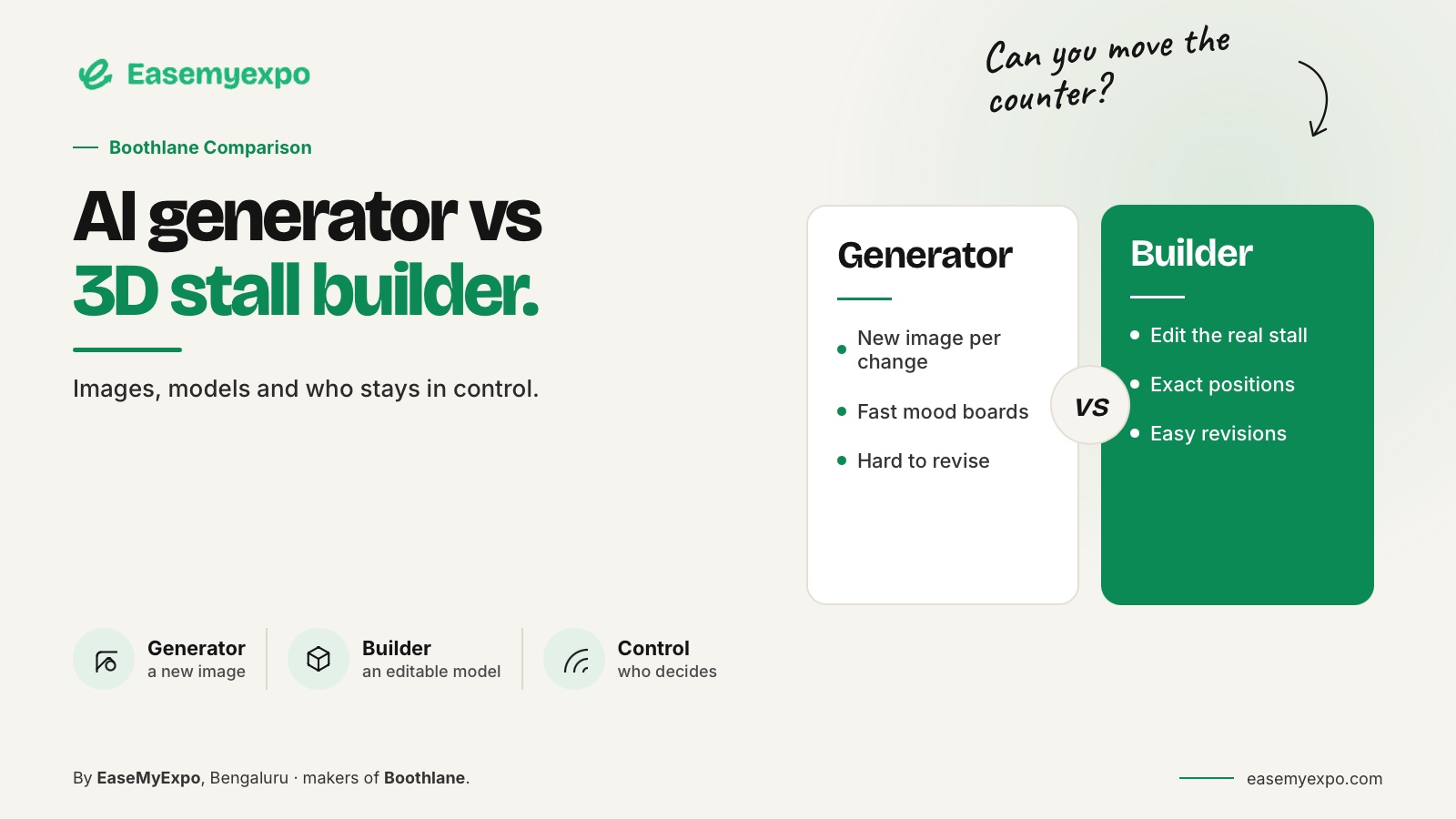
An AI booth generator helps explore visual ideas, while an editable 3D stall builder lets you work on the objects and arrangement of the booth itself. Some products combine both approaches. Choose by what you need to change and deliver: an image, an editable model, a presentation or a technical package.
The distinction becomes obvious when a client asks a precise question: “Can the counter move to the other side without changing anything else?” The answer depends on the workflow behind the picture.
At a glance
A picture explains appearance; an editable model supports controlled spatial changes. Some platforms provide both.
Match the deliverable to the client's question, and check that the visual, model and eventual technical package describe the same version of the booth.
What is the difference between a visual and a model?
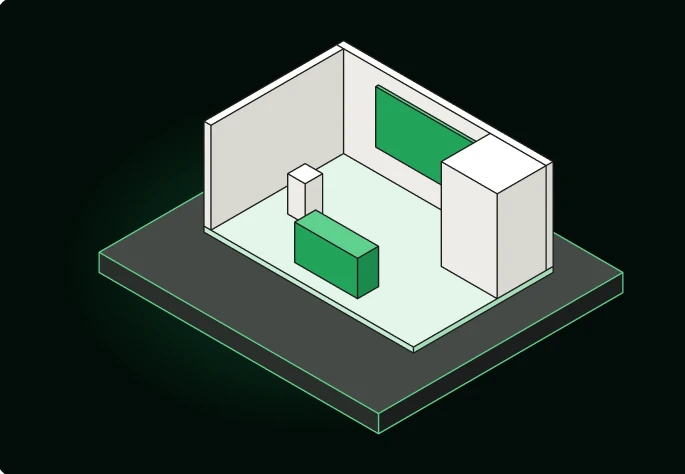
A visual records an appearance from a viewpoint. An editable model describes objects and their positions in a scene.
A model can produce many views, but a view alone does not necessarily contain a recoverable, dimensionally controlled model.
A dedicated model-delivery format such as glTF exists to transmit 3D asset data. That technical distinction is why a JPG, a video and a model file cannot be treated as interchangeable merely because each shows the same booth.
Khronos glTF specification overview
For the client, all three may be useful. For the designer who must make a controlled change, they represent different kinds of information.
When is a generator useful?
Use a concept-generation workflow when the question is exploratory:
- Visual style
- Broad material direction
- Early fascia ideas
- Overall mood
- Ways to express the brief visually
Avoid using it as the only record of requirements that must remain fixed.
OCTANORM's AI booth designer is one documented example of AI-assisted exhibition concept creation. SketchUp's AI Render is a different example, working from a model view to generate an image.
These illustrate why the word “generator” does not describe one universal process.
SketchUp AI Render documentation
Treat the first output as a proposal. Check what changed, what was omitted and whether the visual accurately represents the important information in the brief.
When is an editable builder useful?
Use an editable builder when object-level changes matter.
That can include:
- Relocating a display
- Adding storage
- Moving a counter
- Adapting an open side
- Changing product positions
- Adjusting fascia
- Updating brand placement
The model is the working design, not just an illustration of one possible interpretation.
Boothlane's approach starts with that editable stall. Users control layout and customisation; AI is used for high-quality rendering.
This keeps design ownership with the person making the choices.
For an illustrative corner booth, the team might test two entry arrangements using the same products and furniture.
The meaningful comparison is how the visitor reaches the demonstration and meeting areas, not merely which render feels more dramatic.
Can the same product do both?
Yes. A product can combine model-based work and AI visuals.
ExpoBooth's September update explicitly describes CAD-informed rendering. Therefore, it would be inaccurate to classify all AI-branded tools as image-only or all builders as non-AI.
ExpoBooth.ai CAD-to-render announcement
Evaluate the actual relationship between model and image.
Ask:
- Does a visual change alter the underlying geometry?
- Is the change only a rendered interpretation?
- Can the specific object be edited afterward?
- Does the updated render still match the model?
- Can the design be handed to the next team?
Where the answer is unclear, request a demonstration using a specific object and known dimension.
Which output answers which client question?
Different questions need different outputs.
- “What could the overall design direction be?” Use a clearly labelled concept visual.
- “Where will the product display sit?” Use an editable model or measured layout.
- “How might finishes and lighting look?” Use a render tied to the approved design.
- “What will visitors see as they approach?” Use an eye-level view or walkthrough.
- “What must the contractor build?” Use the agreed technical package with the relevant references.
One software button does not necessarily produce every deliverable the project needs.
How can you avoid a model-image mismatch?
Keep fixed requirements visible during visualisation.
Record:
- Footprint
- Primary product dimensions
- Key openings
- Furniture positions
- Brand artwork
- Required display quantities
Compare the final image against those requirements before sending it.
For example, a generated image might make a thin fascia look more substantial or add an attractive panel where an opening was intended.
Even when the image is useful, that change must be noticed and either corrected or approved as a design decision.
Save the presentation with the model revision it represents.
Do not reuse an earlier render after a layout change without checking whether it still tells the truth about the current booth.
What is a sensible combined workflow?
A practical workflow can be:
- Explore a visual direction.
- Build or revise the editable model.
- Verify the layout.
- Create presentation outputs from the approved design.
- Collect client feedback.
- Update the controlled design.
- Prepare technical deliverables with the people responsible for construction.
This process leaves room for both creativity and control.
It also gives the client understandable approval stages. A preference for a concept is not yet an approval of dimensions, finishes, artwork and construction details.
The best combination is the one that keeps those decisions visible.
More outputs are not automatically better when nobody knows which one is authoritative.
Follow one change through all the outputs
Imagine a client asks to replace an open product shelf with a lockable cabinet.
In an image-led process, the first task may be producing a new visual.
In a model-led process, the cabinet must also:
- Occupy the correct space
- Face the right direction
- Allow its door to open
- Fit around surrounding objects
- Appear correctly in the next presentation
Neither process is complete merely because the replacement looks convincing.
Check the plan, aisle view and exported model after the change.
If the new cabinet exists only in the presentation, the production team still has the previous design.
If it exists only in the model, the client may approve an outdated image.
This hypothetical change illustrates why a project needs a defined design record.
The same distinction applies to quantities. Three visible screens in a render are not automatically a purchase schedule unless someone has checked and specified them.
Use imagery to communicate the proposal, then use controlled design information to describe what the team must supply.
For confidential launches, use a representative product model during evaluation rather than unreleased artwork. Ask the provider about asset access and retention before uploading sensitive files, regardless of whether the workflow generates images or edits geometry.
Frequently asked questions
Can I build a booth directly from an AI image?
Use the image as a reference, not a complete instruction. The build still needs measured information, material decisions and the relevant technical checks.
Does a 3D-looking picture contain a 3D file?
Not necessarily. Request the file explicitly and verify that it can be edited in the required application.
Is Boothlane a generator or a builder?
Boothlane by EaseMyExpo is an editable browser-based 3D design platform. AI is used for high-quality rendering within the presentation workflow.
Do I need both types of tool?
Only when they solve different tasks in your process. Test a combined workflow before adding tools that create duplicate versions or unnecessary handoffs.
Keep the idea and the editable design connected
Explore Boothlane to arrange, customise and present a stall while keeping the design decisions under your control.