3ds Max vs Browser-Based Exhibition Stall Design: Which Work Belongs Where?
Compare 3ds Max and browser-based exhibition stall design for custom geometry, quick layouts, client reviews, rendering and OBJ/FBX handoffs.
Contents
- 3ds Max vs Browser-Based Exhibition Stall Design: Which Work Belongs Where?
- At a glance
- What does 3ds Max offer?
- What does a browser-based stall builder change?
- How should the two workflows be compared?
- Can you move a Boothlane booth into 3ds Max?
- What does a sensible hybrid workflow look like?
- How should speed claims be evaluated?
- When should you retain specialist desktop work?
- Choose where the final model lives
- Frequently asked questions
- Is Boothlane a complete replacement for 3ds Max?
- Does browser-based mean no learning is required?
- Will FBX preserve every scene setting?
- What should we trial first?
- Put each design task in the right place
3ds Max vs Browser-Based Exhibition Stall Design: Which Work Belongs Where?
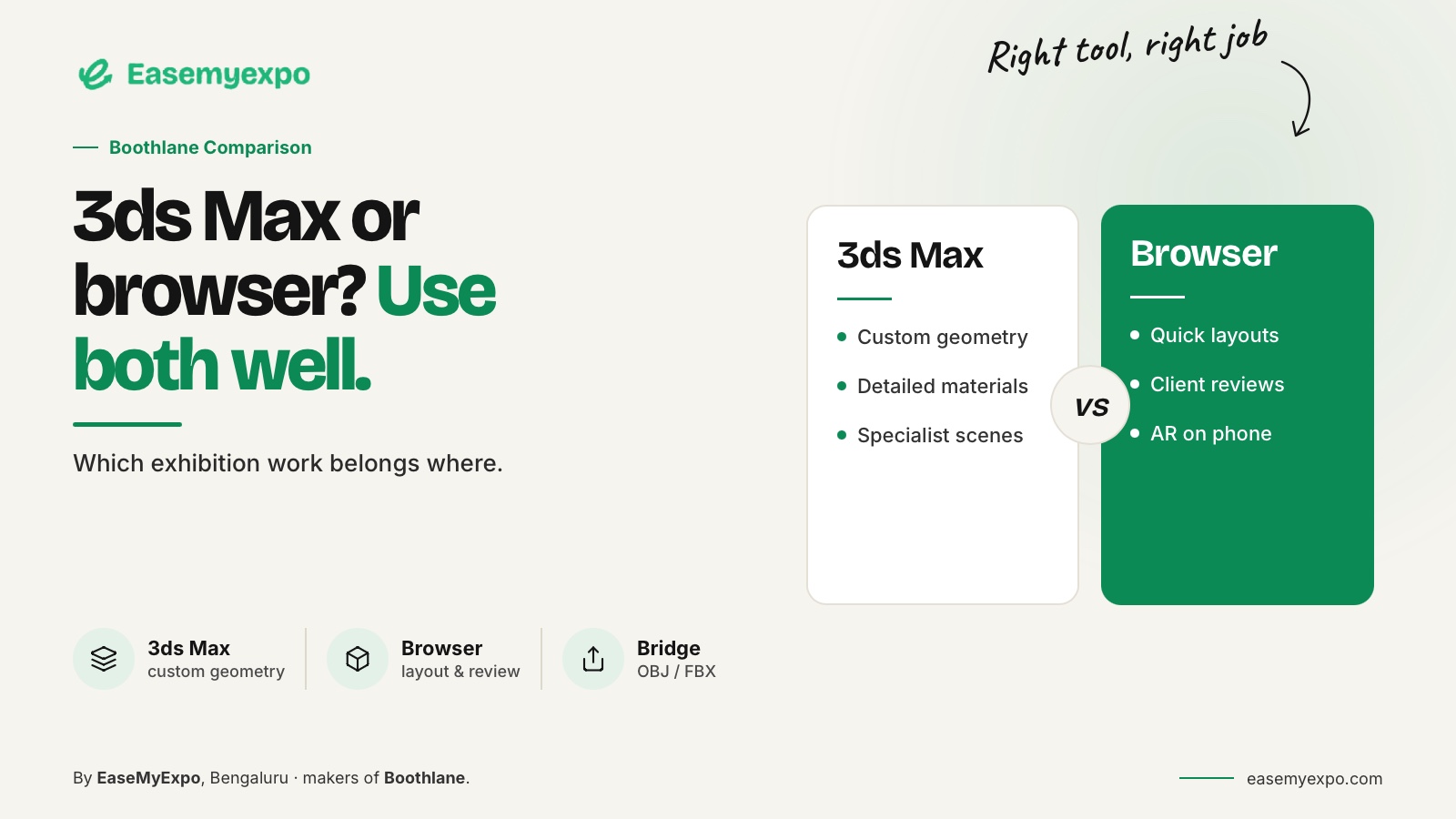
3ds Max and browser-based exhibition stall designers are not interchangeable simply because both can show a booth in 3D. Compare them by the work required. Detailed scene creation and specialist rendering may justify a desktop modelling package; booth arrangement and client-facing revisions may suit a focused browser workflow. Many teams can use both at different stages.
Choose where each task belongs instead of framing the decision as a rivalry between browser tools and 3ds Max.
Comparison disclosure: This is an EaseMyExpo-published workflow comparison based on Autodesk's documentation and Boothlane's product scope, reviewed on 25 September 2026. It does not report a controlled performance test.
At a glance
Keep specialist modelling where it adds value. Use a focused builder when booth arrangement and client revisions are the main tasks. Test OBJ or FBX exchange before adopting a hybrid process.
Neither browser access nor a desktop installation proves suitability by itself.
What does 3ds Max offer?
Autodesk describes 3ds Max as professional software for modelling, rendering and animation. Its documented tools include a modifier-stack workflow, material and scene controls, and Arnold rendering.
Those capabilities matter when a booth project becomes a detailed custom 3D production rather than only a layout exercise.
A trained specialist may already have a valuable library, established renderer setup and a reliable downstream process.
Replacing that without understanding its role can create more work than it removes. The appropriate evaluation should preserve what already works.
What does a browser-based stall builder change?
A focused builder changes the starting point.
Instead of building every element in a general-purpose scene, the user can work with booth-specific objects and customisation controls.
The benefit to test is how directly the application supports ordinary decisions in an exhibition stall brief.
Boothlane lets users arrange and customise exhibition stalls in an editable browser environment. AI is used for high-quality rendering; it is not a claim that creative judgement or all modelling tasks have been automated.
Other browser workflows exist too.
SketchUp for Web is a documented general-purpose browser modeller. Browser access alone therefore is not a unique feature or a reliable measure of suitability. Examine the editing actions and deliverables.
How should the two workflows be compared?
Compare both workflows against the same requirements.
- Custom geometry: Does the team need specialist modelling tools, or can the required form be created or imported in the browser workflow?
- Routine layout changes: How quickly can the assigned designer make precise changes?
- Visual quality: What renderer and scene preparation are required, and does the output remain faithful to the approved design?
- Client review: How will the recipient inspect and understand the design?
- File exchange: Which scene elements must survive the transfer, and what does the exported file actually contain?
- Production: Which documentation follows the model, and which technical tasks remain outside the design tool?
These questions deliberately avoid a universal winner.
A workflow that succeeds for one agency can fail for another because the people, assets and required outputs differ.
Can you move a Boothlane booth into 3ds Max?
Boothlane's documented model-exchange formats are OBJ and FBX.
Use an agreed interchange workflow to bring the model into compatible professional software.
Do not describe this as direct native .max import or a guarantee that an entire 3ds Max scene survives a round trip unchanged.
Autodesk's feature documentation includes support for multiple exchange formats. That establishes that file exchange is part of the application, not that every texture, modifier or plugin-specific material from another system will become identical native data.
Test a small representative scene first.
Include:
- A recognisable dimension
- A material with an external texture
- Several separately named objects
- A meaningful object hierarchy
- A known orientation
If the test succeeds, repeat it with a realistic project before relying on the route for a client deadline.
What does a sensible hybrid workflow look like?
Consider an illustrative agency project.
The team agrees the booth arrangement and branding in an editable builder. A specialist then receives the chosen model for additional geometry, a particular rendering treatment or another downstream requirement.
The account manager presents the version that corresponds to that technical work.
The key is to establish one approved revision.
If a later change is made in the desktop scene, it should not be silently ignored in the browser presentation.
If the builder layout changes, the specialist needs to know which export replaced the previous one.
A hybrid process fails when both versions appear current but describe different booths.
Simple naming, dated exports and a clear decision owner help prevent that confusion.
How should speed claims be evaluated?
Separate hands-on design time from:
- Rendering
- Review waiting
- File cleanup
- Client feedback
- Revision work
- Export and import checks
A tool can reduce one stage without shortening the entire approval cycle.
Measure your own process instead of borrowing a vendor's fastest example.
Use the same brief and the same acceptance criteria.
Record active work, rework and the time the recipient needs to use the result.
The output is only complete when it meets the agreed requirements, not when the first image appears.
When should you retain specialist desktop work?
Keep specialist desktop work when a project genuinely needs the capabilities, existing assets or production process built around it.
Do not simplify a complex requirement merely to make it fit a new platform.
Equally, do not require every small layout revision to use the most elaborate workflow available.
Choose the division of work deliberately.
The goal is an understandable booth, a controlled design and a dependable handoff, not a software rivalry.
Choose where the final model lives
A hybrid process needs a clear point at which responsibility changes.
In a hypothetical agency workflow, the browser project could remain the layout record until client approval. The specialist scene then becomes the source for detailed rendering.
Alternatively, the browser model could remain authoritative, with every downstream change returned as a documented request.
Either arrangement can work.
The dangerous version is an undefined mixture in which two people edit different files and both call theirs final.
State:
- Who can change geometry after transfer
- How a replacement export is identified
- Which file is authoritative
- Whether the presentation needs to be regenerated
- How revisions are communicated
Agreeing that boundary matters more than describing the tools as integrated.
Frequently asked questions
Is Boothlane a complete replacement for 3ds Max?
It should not be described that way. Boothlane by EaseMyExpo serves an exhibition-specific design and presentation workflow; specialist desktop work may remain necessary for other tasks.
Does browser-based mean no learning is required?
No. Users still need to understand the tool and the design decisions. Evaluate the onboarding effort using your actual team.
Will FBX preserve every scene setting?
Do not assume it. Test the geometry, materials and other required data in the receiving application and document any conversion work.
What should we trial first?
Choose a routine booth with one meaningful custom element. Test an ordinary client revision and a real file handoff, not just a polished render.
Put each design task in the right place
Explore Boothlane for editable booth planning and presentation while keeping a clear route to the professional tools your team needs.