SketchUp and 3ds Max Alternatives for Booth Design
SketchUp and 3ds Max are excellent programs, but they were not built for exhibition booths. If you design stands regularly, you have probably felt it: rebuilding the same walls, fascia and counters for every project, waiting on renders, and being the only person on the team who can make a change.
Here are the alternatives, and how to switch without losing your existing work.
Disclosure: we make Boothlane by EaseMyExpo.
Why designers look for alternatives
- Time per design. General 3D tools start from an empty scene every time.
- Learning curve. Marketing teams and clients cannot make small changes themselves.
- Hardware. Photoreal rendering needs a powerful computer.
- Cost. Annual licences plus renderer plugins add up, especially for small studios and freelancers.
The alternatives
Boothlane by EaseMyExpo: booth-specific, in the browser
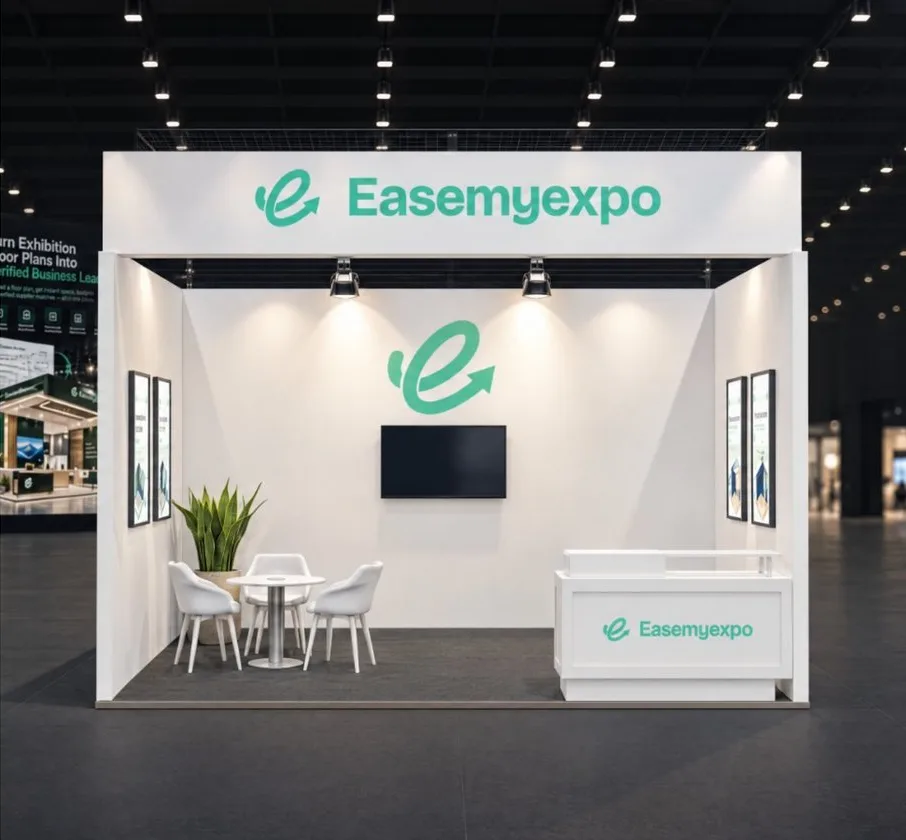
Boothlane by EaseMyExpo is built around stalls: set the size and open sides, then add walls, fascia, counters, storage, screens and lighting.
- Import OBJ and FBX from 3ds Max or other tools, and export OBJ and FBX back, so you are not locked in.
- Image-to-3D and prompt-to-3D for fast first drafts.
- Renders, cinematic video and AR preview for client approval.
- Runs in the browser, so anyone on the team can open it.
Use it when: speed and easy client changes matter more than modelling every bolt.
Blender: free, full 3D
Blender matches much of what 3ds Max does, at no licence cost.
Use it when: you want full modelling and rendering power and can invest time in learning it.
Vectorworks: for event and production-heavy work
Strong for venue layouts, staging and lighting plots.
Use it when: your stands sit inside bigger event productions.
A practical hybrid workflow
You do not have to drop your current software overnight. Many studios use:
- Boothlane by EaseMyExpo for concepts, client changes and approval renders;
- 3ds Max or SketchUp for detailed custom pieces, using OBJ and FBX to move files between the two;
- AutoCAD for the fabricator's working drawings.
FAQ
Is there an easier alternative to 3ds Max for exhibition stands?
Yes. Booth-specific browser tools such as Boothlane by EaseMyExpo come with stall elements built in, so you design faster without a 3D specialist.
Can I import my 3ds Max or SketchUp models?
Boothlane by EaseMyExpo imports OBJ and FBX files. Export your model from 3ds Max or SketchUp in one of those formats.
Will I lose quality by switching?
For concept and approval renders, booth-specific tools are quick and client-ready. For very complex custom geometry, keep a full 3D suite in your workflow.