Furniture and Interiors Booth Design: Turn Your Stand Into a Showroom
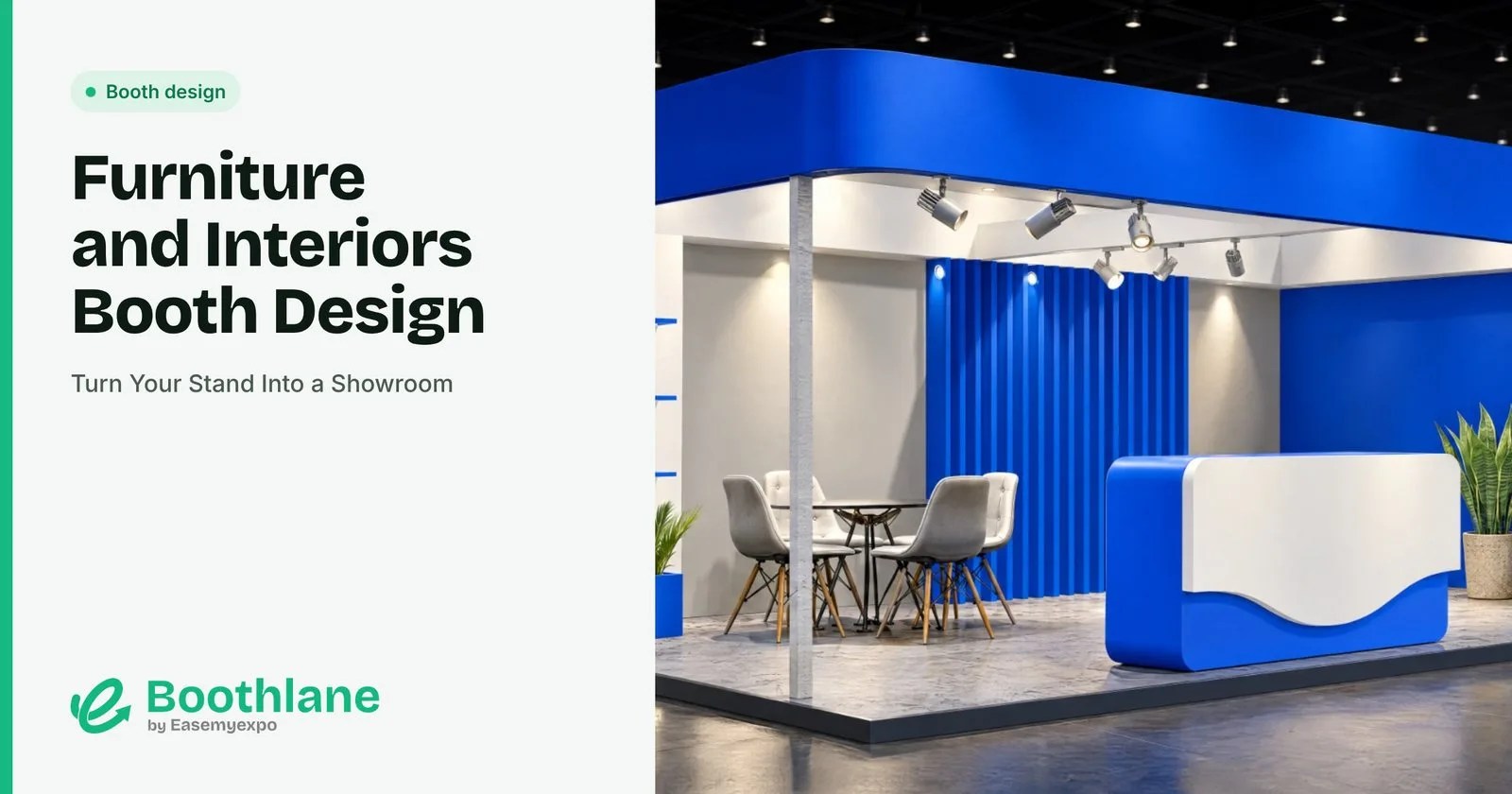
Furniture and interiors buyers want to sit, touch and imagine your products in a real room. The best booths at furniture fairs look like showrooms, not stands.
Build room sets
Group products into small rooms: a living corner, a dining set, a bedroom vignette. Walls, rugs, lighting and accessories make the scene feel real.
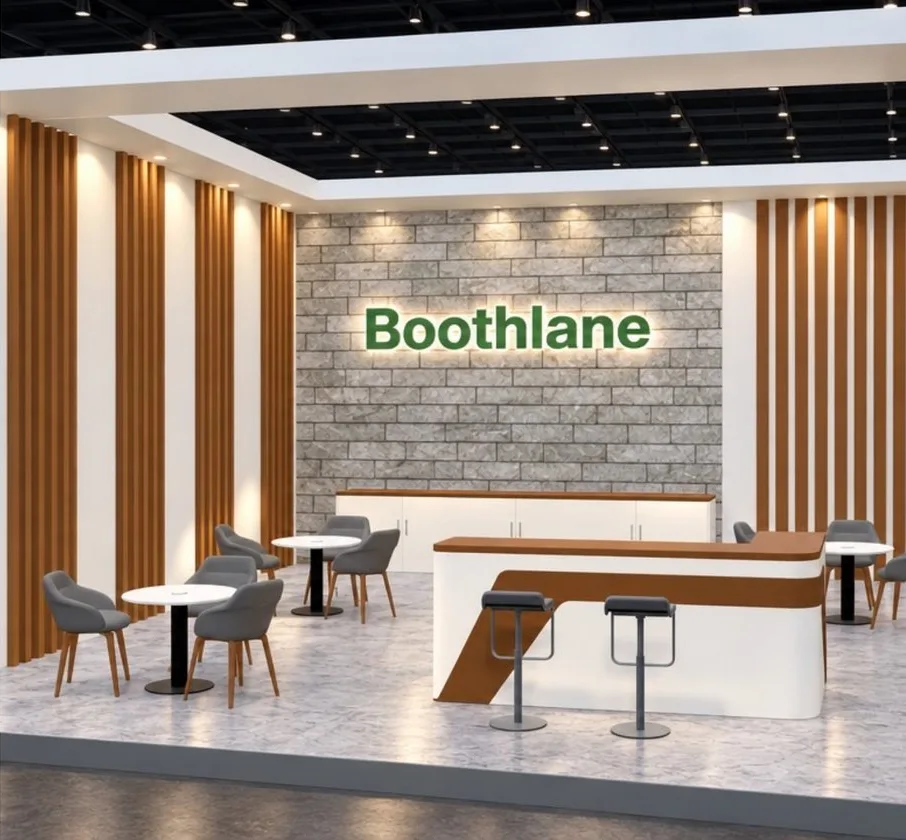
Let people use it
Sofas to sit on, drawers to open, fabrics to touch. Tag each piece with its name and code so buyers can note it.
Show materials and options
A swatch wall with fabrics, finishes and colours helps buyers picture custom orders.
Lighting like a home
Warm, layered lighting with lamps, pendants and soft spots makes products feel lived in. Flat hall light makes furniture look cheap.
Leave space
Crowded booths look like warehouses. Give each set room to breathe and keep walkways clear.
A quiet order desk
Buyers and designers need a table to discuss orders, finishes and delivery.
Design your showroom booth in 3D
Arrange room sets at real size with Boothlane by EaseMyExpo, using the furniture library or your own models imported as OBJ or FBX. Render the booth to approve the look before you ship anything.
FAQ
How do I display furniture at a trade fair?
In small room sets with walls, rugs and lighting, so buyers can picture it at home.
Can I use my own furniture models?
Yes. Boothlane by EaseMyExpo imports OBJ and FBX files.
What lighting suits furniture booths?
Warm, layered lighting with lamps and pendants.
Try it: Design your furniture booth on Boothlane by EaseMyExpo.