Best 3D Event Design Software for Stages, Setups and Venues (2026)
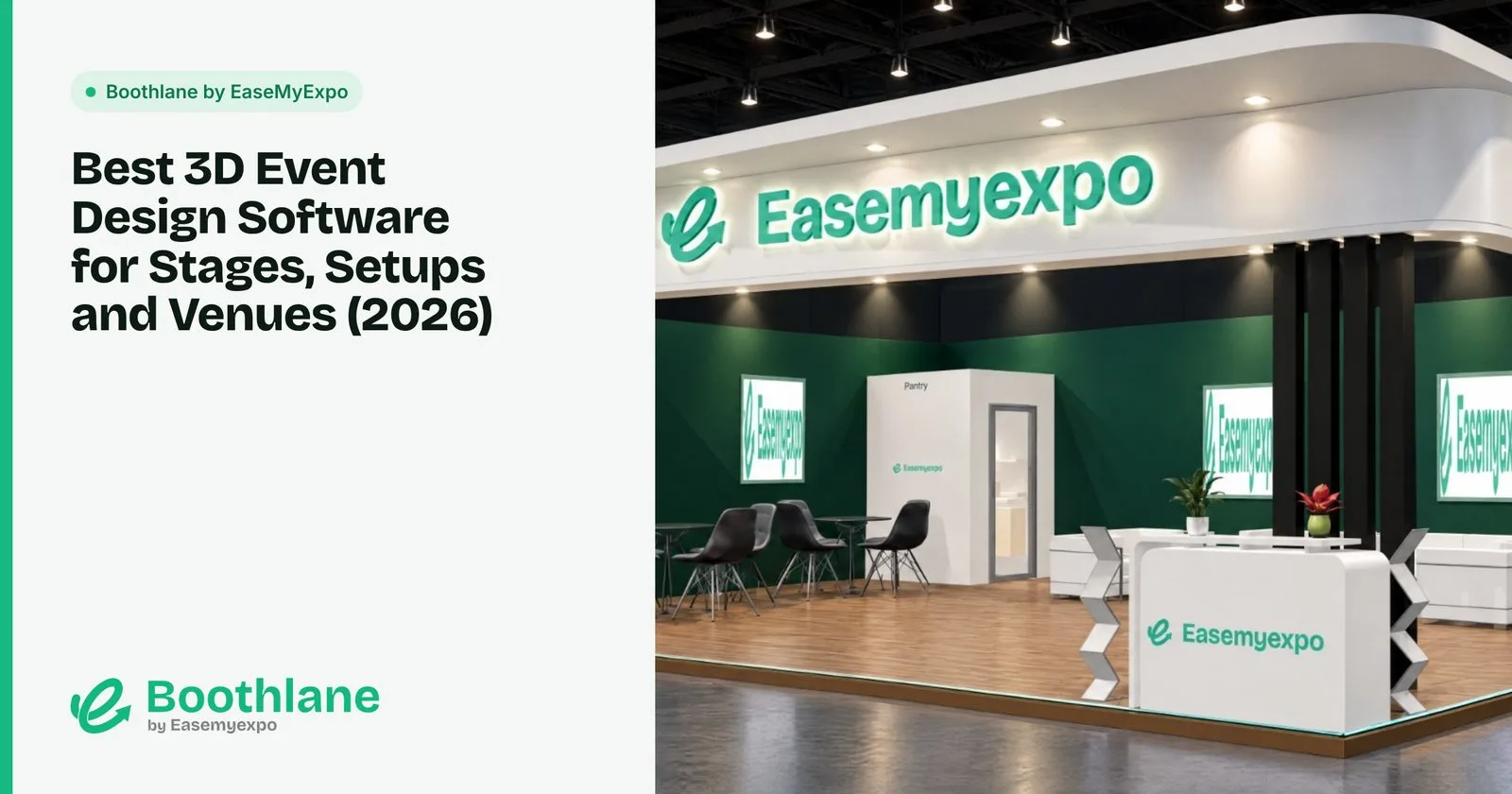
Corporate events, product launches, award nights and festive celebrations all have the same problem: the client has to approve a setup they cannot see yet. 3D event design software solves that by letting everyone look at the stage, entry, décor and seating before a single truss goes up.
Disclosure: we make Boothlane by EaseMyExpo, which includes event design.
What event design software needs to do
- Full venue scale. Events are much bigger than a stall, sometimes 100 m or more, so the tool must handle large spaces smoothly.
- Event elements. Stages, truss, LED screens, backdrops, entry arches, seating, lighting and décor.
- Speed. Event briefs change often and timelines are short.
- Visuals people approve. Renders and walk-around videos.
- Ready starting points. Most events follow familiar formats, so templates save hours.
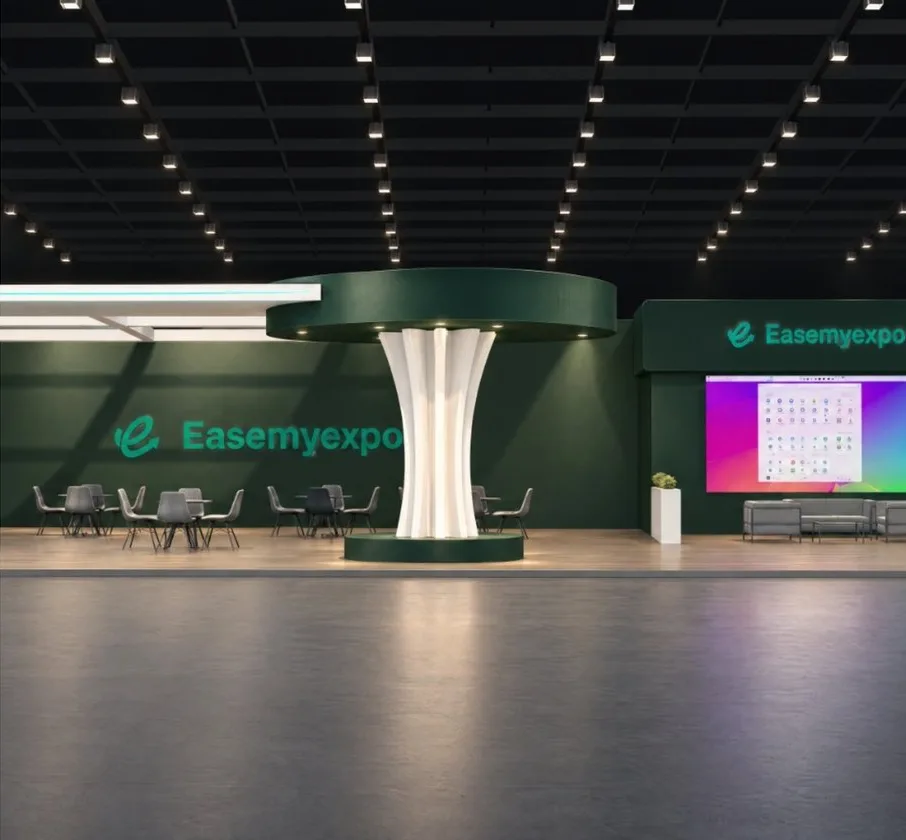
The best event design software
1. Boothlane by EaseMyExpo: best for fast event setups in the browser
Boothlane by EaseMyExpo started as an exhibition stall designer and now covers events too.
- 140+ ready event setups to start from.
- A library of event elements to build your own setup: stages, truss, screens, décor and more.
- Branding and lighting controls, high-resolution renders and cinematic video.
- Runs in the browser with nothing to install.
Best for: event agencies, corporate event teams and planners who need a client-ready 3D setup quickly.
2. Vectorworks Spotlight: best for technical production design
Vectorworks Spotlight is widely used in entertainment for venue plans, rigging and lighting plots.
Best for: production designers who need detailed technical drawings and lighting design.
3. 3ds Max or Cinema 4D: best for cinematic visuals
General 3D suites produce high-end visuals and animation for big-budget events.
Best for: studios with dedicated 3D artists.
4. SketchUp: best for quick layouts
SketchUp is good for quickly laying out a stage, seating and zones.
Best for: planners who want a fast 3D sketch and know the tool.
Stage design: what to include in your 3D
- Stage size and height, and steps or a ramp.
- Backdrop or LED screen, with your actual content on it.
- Truss and lighting positions, so production knows what is needed.
- Audience seating at real spacing, so you can check sightlines.
- Entry, photo-op and branding points.
FAQ
What software do event planners use for 3D design?
Many studios use 3ds Max, Cinema 4D or Vectorworks. Planners who need speed without a 3D specialist use browser tools like Boothlane by EaseMyExpo, which includes 140+ ready event setups.
Can I design an event stage in 3D without a designer?
Yes. Start from a ready setup, adjust the stage, screens and décor, add your branding, and render it for approval.
Is there software for both exhibition stalls and events?
Boothlane by EaseMyExpo covers both: exhibition stalls and full event setups, in one browser-based tool.