
Best Exhibition Stall Design Software in 2026
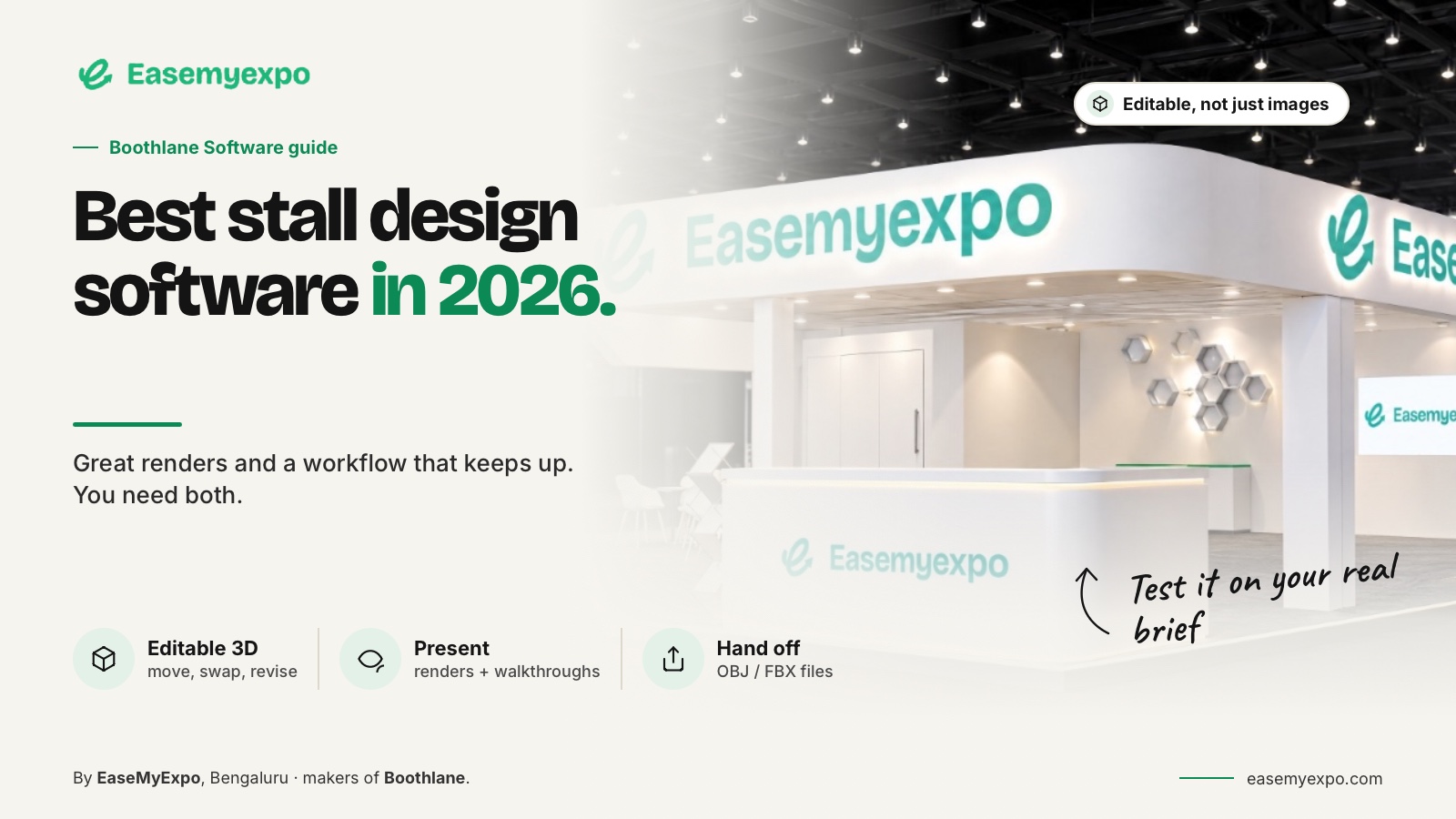
The best exhibition stall design software depends on what you need to deliver: an editable booth model, an early visual concept, a client presentation or a documented production package. Compare tools against the same real exhibition brief, then test revisions and file handoff. A beautiful first image is only one part of the decision.
A brand team approving a booth, an agency pitching three concepts and a designer preparing detailed geometry do not need exactly the same tool. This guide separates those jobs so you can shortlist software without confusing image generation with editable design.
Comparison disclosure: This guide is published by EaseMyExpo. Product descriptions come from the manufacturers' public information and EaseMyExpo's documented product scope, checked on 23 September 2026. It is a desk-researched comparison, not a hands-on ranking or a claim that one product wins every category.
At a glance
- Main question: Does the approach help you make and communicate the decisions involved in software selection?
- Use a real brief: Test it with a 6 m by 3 m corner stall with a reception counter, product demonstration area, storage, branded fascia and two review rounds.
- Watch for: Choosing from a polished demo without testing revision control, file handoff and the actual approval process.
- Before approval: Keep dimensions, organiser requirements, artwork status and unresolved technical questions visible beside the design.
Which type of software do you actually need?
An editable 3D builder is useful when the work involves moving furniture, changing a fascia, adjusting a display or discussing a layout with a client. A concept-generation tool is useful when the immediate question is visual direction. A full modeling package is relevant when custom geometry and downstream specialist work dominate the project.
Keep exhibition-hall planning separate. ExpoFP describes a platform for interactive event floor plans, including booths and aisles. That is a different starting point from designing the interior and structure of one exhibitor's stand. A venue map and an individual booth model may both be necessary, but neither should be mistaken for the other.
ExpoFP interactive floor plans
Which platforms are worth comparing?
- | Boothlane by EaseMyExpo | Browser-based editable stall design, presentation and OBJ/FBX handoff | Can your team revise and present its actual booth brief? |
- ExpoBooth.ai | AI booth concepts; a separate announcement describes CAD import/export | What editable geometry and formats are included in your plan? | | Exhibit3Design | AI stand visuals, rotation videos, walkthroughs and downloadable 3D files | Which outputs are editable models rather than images or videos? |
- | Arcadium | Browser-based booth modeling, sharing and model export | Does its editing and output workflow match your fabricator's needs? |
- | SketchUp | General 3D modeling, including a browser version | Does your chosen subscription cover the required exchange formats? |
- | Autodesk 3ds Max | Detailed modeling, materials, animation and rendering | How much specialist scene work will you do? |
- | Vectorworks Spotlight | Event/scenic design and documentation | Do drawings and coordinated event-production information lead the brief? |
The vendor pages linked below support these short descriptions. An unlisted feature is not being marked absent; verify it with the supplier rather than treating this table as an exhaustive specification sheet.
ExpoBooth.ai CAD import and export announcement
Exhibit3Design product overview
Arcadium trade show booth design
Where does EaseMyExpo fit?
Boothlane by EaseMyExpo is a browser-based exhibition stall design platform for creating, customising, visualising and presenting stalls in 3D. Designers control the design; AI is used for high-quality rendering, not as a replacement for their creative decisions. The documented workflow includes catalogue objects, custom fascia, branding, visual presentations and OBJ/FBX model exchange. This makes the platform relevant when a team wants to work on the booth itself rather than only request a new picture after every change. Engineering, structural decisions and final fabrication remain separate responsibilities. This is also why the phrase “3ds Max compatible” needs care. An interchange file can move geometry between applications; it does not mean a browser platform opens every native .max scene with its original plugins, modifiers and renderer settings intact.
What should you test before paying?
Use a brief that resembles the work your team sells. For example, create an illustrative 6 m × 3 m corner stall with a reception counter, a product demonstration zone, storage and two brand treatments. Those requirements are a test scenario, not a universal layout recommendation. Next, change something meaningful. Move the storage entrance, reduce the fascia depth, replace one product display and correct a logo. Observe which changes remain controlled edits and which require rebuilding or regenerating an output. The revision stage will tell you more than a polished supplier demo alone. Finally, hand the result to the next person in your real process. Ask them to open the file or presentation on their own device. Check scale, object separation, branding, materials and the information needed for a quote. Record failures instead of assuming they will disappear after purchase.
How should you compare total cost?
Avoid comparing only monthly subscription prices. Write down the paid plan, rendering allowances, extra output charges, required supporting software, onboarding effort and any asset-cleanup time. Check current vendor pricing directly because plans and regional taxes can change. The useful calculation is the cost of reaching an accepted deliverable. A low entry price can be poor value for a team that repeatedly rebuilds exports. Equally, an advanced desktop package can be unnecessary for someone who only needs to arrange a simple stand and get internal approval. These are workflow judgments, not universal price rankings.
What is the practical selection rule?
Choose the narrowest setup that reliably completes your work, while preserving a route to specialist tools when needed. Shortlist an editable builder for routine booth planning, a concept tool for visual exploration and a modeling/documentation package when detailed production work demands it. Do not buy based on a claim that “AI makes everything buildable.” Require a demonstration of your actual output: the model, the presentation, the drawings and the responsible approval process. The software should make that process clearer, not hide it behind a convincing image.
What should you compare beyond the first render?
Compare editing, review and handoff as separate jobs. Ask who can move an object, change branding or adjust a fascia after the first concept is approved. Check whether a shared view is interactive or only a video. Check what the export actually contains and which application is expected to open it. For AI led tools, distinguish generated imagery from model based changes. For general 3D packages, include the time needed for scene setup, asset preparation and rendering. These details matter because exhibition projects are rarely approved in one pass. The useful tool is the one that keeps the next revision understandable.
How should vendor claims be read?
Treat vendor pages as evidence of what a supplier says its product supports, not as proof that every project will behave identically. File compatibility is a good example. A product may correctly advertise FBX, OBJ, DWG or another exchange format, while the receiving application still interprets materials, hierarchy, units or lighting differently. Pricing also changes by region, tax treatment and plan. Record the date of any commercial comparison and verify the final plan before purchase. A careful comparison can still be useful without pretending that a feature list answers every implementation question.
What should happen after the shortlist?
Once two or three tools remain, stop comparing marketing pages and run a short acceptance test. Give each tool the same booth footprint, brand assets and required outputs. Ask a second person to make a revision without being coached by the person who built the first version. Then open or review the exported result in the next application or device used by your team. Record what worked, what needed cleanup and what could not be transferred. This turns a broad software comparison into evidence about your own workflow and makes commercial discussions with vendors much more specific.
How should you run a fair software trial?
A fair trial uses the same brief, the same review changes and the same required outputs for every product. Start with the booked footprint and a short list of non negotiable functions. Build enough of the booth to expose the real workflow rather than stopping after the first attractive view. Then make two changes a client would realistically request and note whether those changes remain controlled edits or force you to rebuild work. Finally, pass the output to the next person in your process. If the receiving designer, account manager or fabricator cannot understand scale, ownership and file status, the demo has not tested the part of the workflow that usually causes delays.
What makes this useful in a real exhibition project?
The answer is traceability. For software selection, every important choice should point back to a requirement, a measured input, a current source or an explicit creative decision. That makes review faster because people can challenge the right thing. If the booth changes, update the affected information rather than quietly replacing a render and hoping everyone notices. If a vendor or software tool produces an output, label what that output represents. A concept view, editable model, presentation video and fabrication drawing are different deliverables even when they describe the same stand. Clear labels reduce rework and make the project easier to hand to someone who was not present during the original discussion.
Final check before approval
Confirm the booked footprint. Check every open side. Verify the working units.
- Dimensions
- Artwork
- Approvals
- Scale
- Materials
- Access
- Signage
- Lighting
- Storage
- Ownership
- File status
- Artwork status
- Approval owner
- Open sides
- Model scale
Frequently asked questions
Is exhibition design software the same as event floor-plan software?
No. One designs a particular booth; the other can organise booths, aisles and exhibitor information across an event. Your project may require both, but they solve different tasks.
Is an AI image generator enough for a fabrication handoff?
Not by itself. A concept image does not establish dimensions, materials, connections or approval status. Request the appropriate model and documentation alongside visual references.
Must every exhibition designer use 3ds Max?
No. Choose software around required deliverables and team capability. Keep a specialist modeling workflow when the project needs it rather than assuming every booth task demands the same application.
Which software should a new exhibitor try first?
Use your next exhibition brief to explore the EaseMyExpo workflow. Build the layout, review the important changes and decide what your team needs for the next stage.